If you followed a tutorial to install Gemini CLI and sign in with your personal Google account, you probably hit a wall: the free tier is gone. On June 18, 2026, Google stopped serving Gemini CLI to free users and to Google AI Pro and Ultra subscribers, and moved them to a new tool, Antigravity CLI. The confusing part is that most tutorials never got the memo — guides written before the change, and plenty updated since, still describe the old free tier as if it works. This post is the 2026-correct version: what actually changed, who can still use Gemini CLI, and exactly which tool you should install instead.
Last verified: November 14, 2026, against Google’s official announcement, the Gemini CLI repository, and the Antigravity documentation.
What changed on June 18, 2026
Gemini CLI launched in preview on June 25, 2025, and took off fast: within a year it passed 100,000 GitHub stars (the repository shows over 108,000 today) and became the default free coding agent for a lot of developers. The pitch was simple — sign in with a personal Google account and get a generous free tier on Gemini’s top models, no API key or credit card required.
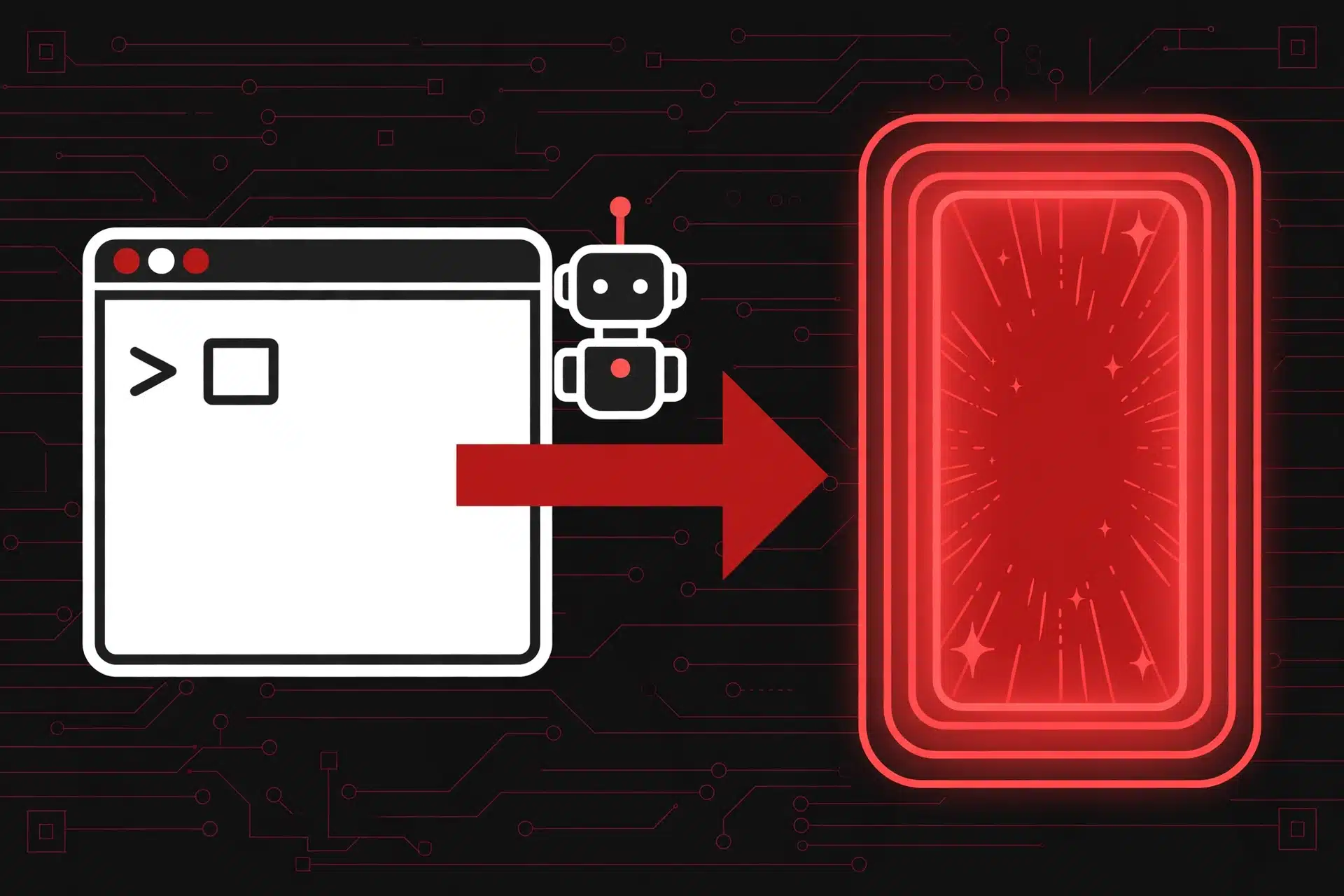
Then Google decided one terminal agent was not enough. On May 19, 2026, the company announced it was unifying its terminal tools into Antigravity, its agent-first development platform, and that Gemini CLI’s free tier would end. The timeline from that announcement:
- May 19, 2026: Google announces the transition; Antigravity CLI becomes available to everyone the same day.
- June 18, 2026: Gemini CLI and the Gemini Code Assist IDE extensions stop serving requests for Google AI Pro and Ultra subscribers, and for anyone using it free through Gemini Code Assist for individuals.
- June 18, 2026: No new installations of Gemini Code Assist for GitHub on GitHub organisations; existing requests stop being served in the following weeks.
Google’s stated reason was that developers’ needs had outgrown a single-agent terminal tool: people now want multiple agents working together, sharing one backend with the rest of their workflow. Antigravity CLI is built in Go for faster execution, runs agents asynchronously in the background, and shares its harness with the Antigravity 2.0 desktop app, so improvements land in both places at once.
That is the part the old tutorials miss. The “Login with Google” free tier they describe — 60 requests a minute, 1,000 requests a day — belonged to Gemini Code Assist for individuals, and that product no longer serves Gemini CLI. If a guide still tells you to sign in that way and expect free access, it is describing a product that stopped existing in June.
Who can still use Gemini CLI?
Gemini CLI itself is not dead. It is now an enterprise tool, and three groups can still use it:
- Enterprise customers: organisations on a Gemini Code Assist Standard or Enterprise licence, or using Code Assist for GitHub through Google Cloud, keep their access unchanged.
- Paid API key users: Gemini CLI remains accessible with a paid Gemini API key from Google AI Studio, set as the
GEMINI_API_KEYenvironment variable. - Vertex AI users: enterprise teams can run it against Vertex AI with a Google Cloud project and billing account.
There is one more catch worth knowing before you pay for any of these routes. The Gemini CLI repository now states plainly that the tool is not optimised for the Gemini 4 series — including Gemini 4 Argon — or for future model generations. So even if you keep using it, you are running an older-model harness. If you want Google’s newest models in your terminal, that is now Antigravity CLI’s job.
The three Google terminal tools in late 2026
Google now has three command-line tools with confusingly similar names. They do different jobs:
| Tool | Command | Who it is for | How you sign in |
|---|---|---|---|
| Gemini CLI | gemini |
Enterprise Code Assist licences, paid API key or Vertex AI users | Google account (enterprise), GEMINI_API_KEY, or Vertex AI |
| Antigravity CLI | agy |
Free, Google AI Pro and Ultra personal accounts; anyone who wants the newest models | Personal Google account |
| Gemini API CLI | gemini-api |
Agents, scripts and CI jobs that need Gemini models and media generation | GEMINI_API_KEY |
Most individual developers who used to run Gemini CLI for free should be installing agy. The other two are for narrower cases, covered below.
Switch to Antigravity CLI: the replacement for most people
Antigravity CLI is the terminal client of Google Antigravity. It keeps the features that made Gemini CLI useful — Agent Skills, Hooks, Subagents and Extensions (now called Antigravity plugins) — and adds multi-agent workflows that run in the background instead of locking up your terminal.
Install it
On macOS or Linux:
curl -fsSL https://antigravity.google/cli/install.sh | bashOn Windows, in PowerShell:
irm https://antigravity.google/cli/install.ps1 | iexThe installer puts the binary in ~/.local/bin/agy on macOS and Linux. Check the install, then start it inside a project folder and sign in with your personal Google account:
agy --version
cd my-project
agy
What carries over from Gemini CLI
- Your context files work as-is. Antigravity CLI reads
AGENTS.mdorGEMINI.mdin the folder where you startagyand in its parents up to the repo root. Global rules go in~/.gemini/AGENTS.mdor~/.gemini/GEMINI.md. If you already wrote aGEMINI.mdfor Gemini CLI, you do not need to rewrite it. - Skills, hooks and subagents come with you. The announcement explicitly lists Agent Skills, Hooks, Subagents and Extensions as carried over (Extensions are now Antigravity plugins).
- The workflow is familiar. You describe a task in plain language, the agent plans it, edits files and runs commands, asking before it does anything destructive. Modes like
accept-edits,autoandplancontrol how much it does on its own; runagy inspectany time to see which configuration files and rules are active in the current directory.
What the free tier actually is now
Google’s plans page describes the free plan’s quota as “a meaningful quota, refreshed weekly” — and publishes no exact numbers, so treat any guide quoting a specific request count as a guess. Google AI Pro and Ultra subscribers get larger quotas that refresh every five hours up to a weekly cap, and can spend purchased AI credits on overage. The free tier’s baseline agent model is Gemini 3.8 Flash; Gemini 4 Argon is available on Pro, Ultra and Enterprise plans.
Two conditions from Google’s FAQ are worth checking before you install: Antigravity is available to personal Google accounts in approved geographies, and you must be 18 or older. A Google Workspace account can fail the sign-in check unless your administrator provisions Antigravity for the organisation.
Stay on Gemini CLI with a paid API key
If you have a reason to keep the original tool — an organisation on Code Assist, scripts built around its non-interactive mode, or an MCP setup you do not want to rebuild — it still works with a paid key. It needs Node.js 20 or later:
npm install -g @google/gemini-cliHomebrew works too (brew install gemini-cli), or run it without installing anything with npx @google/gemini-cli. Then create a key in Google AI Studio and export it before launching:
export GEMINI_API_KEY="YOUR_API_KEY"
gemini
Enterprise teams can use Vertex AI instead, with GOOGLE_API_KEY and GOOGLE_GENAI_USE_VERTEXAI=true set. For scripts, the non-interactive mode still works as before:
gemini -p "Explain the architecture of this codebase" --output-format jsonJust remember the caveat from the previous section: you are paying for a harness that is not tuned for Gemini 4 or later models. If the newest models matter to you, Antigravity CLI is the better spend.
Use Gemini API CLI for scripts and other agents
The third tool is the one most people have not heard of, and it solves a different problem. Gemini API CLI (gemini-api) is an experimental, stateless CLI that gives any agent with shell access — Claude Code, Codex, Antigravity, or your own scripts — direct access to Gemini models, media generation and managed agents. It is not a coding harness; it is a pipe between an agent and the Gemini API.
Install it on macOS or Linux:
curl -fsSL https://raw.githubusercontent.com/google-gemini/gemini-api-cli/main/scripts/install.sh | bashThen set your key and try a dry run, which validates the request and prints it with credentials redacted — no network call, no charge:
export GEMINI_API_KEY="YOUR_API_KEY"
gemini-api generate "Hello from my agent" --dry-run
gemini-api generate "Hello from my agent"
Useful commands include gemini-api image (generate or edit images, saved straight to a folder), gemini-api analyze (ask questions about PDFs, images, audio or video), gemini-api transcribe, gemini-api tts and gemini-api agent run for delegating long-running work to a managed agent in the background. If you are building an agent workflow that needs a Gemini model on demand, this is the tool designed for it.
Which one should you pick?
- Personal Google account, and you want a free coding agent: Antigravity CLI. This is where your old free tier went.
- Google AI Pro or Ultra subscriber: Antigravity CLI. Your plan now works there, not in Gemini CLI.
- Enterprise Code Assist licence: either tool works. Gemini CLI is still supported for your licence, and Antigravity CLI accepts Google Cloud projects.
- Paid API key, mostly scripts and automation: Gemini CLI still works, or use Gemini API CLI if the consumer is another agent or a CI job.
- You want Gemini 4 Argon in the terminal: Antigravity CLI on a Pro, Ultra or Enterprise plan.
Five mistakes to avoid
- Following a pre-June-2026 tutorial’s sign-in steps. “Login with Google” for a free tier no longer serves Gemini CLI. If the guide was written before June 2026, check its date before trusting the auth section.
- Installing
geminiexpecting 1,000 free requests a day. That quota belonged to Gemini Code Assist for individuals. It is gone; the free quota now lives in Antigravity CLI and refreshes weekly. - Buying a licence just to keep
geminiworking. Antigravity CLI is free for personal accounts, so try it first — a paid licence is only worth it if your organisation actually needs Code Assist Standard or Enterprise. - Assuming Gemini CLI runs Gemini 4. It is not tuned for Gemini 4 or later models. If a benchmark or demo shows Gemini 4 Argon doing something impressive in a terminal, that was almost certainly Antigravity CLI.
- Mixing up the three CLIs.
geminiis the enterprise coding agent,agyis the free-to-start coding agent, andgemini-apiis a stateless API pipe for other agents. Installing the wrong one wastes an afternoon and produces exactly the confusing errors people report.
What to do with your old setup
Migration is mostly a matter of installing the new binary. Your GEMINI.md and AGENTS.md files carry over unchanged, and Antigravity CLI reads both. For settings, custom auth providers and air-gapped enterprise installs, Google publishes an official migration guide — start there before hand-editing configuration files.
The bigger lesson is about how fast this space moves. Gemini CLI went from launch to 100,000 stars to an enterprise-only pivot in about a year. The next time a tool’s “free forever” tier is the reason you adopt it, check the vendor’s own repository or blog before building your workflow around it — third-party tutorials lag months behind changes like this one, and the official README is usually the first place the truth appears.
Further Reading & References
- An important update: Transitioning Gemini CLI to Antigravity CLI — Google Developers Blog, May 19, 2026 (the official announcement and timeline)
- Gemini CLI on GitHub — official repository; the README states the enterprise-only status and the Gemini 4 limitation
- Gemini API CLI on GitHub — official repository for the stateless
gemini-apitool - Migrating from Gemini CLI to Antigravity CLI — Google’s official migration guide
- Antigravity CLI: a practical guide to Google’s agy — install, sign-in, AGENTS.md, modes and permissions, from Google’s Antigravity docs as of November 2026
- How to Use Gemini CLI — Daglo’s guide reflecting the state of things in October 2026, including the who-uses-what table
- How to Use Gemini CLI: Install, Free Limits, and Building Apps (2026) — documents the June 18, 2026 cutoff and the move to Antigravity CLI
- How to Use Google’s Gemini CLI for AI Code Assistance — Real Python’s install walkthrough; note its free-tier details predate the June 2026 change
Related on HowToShipIt: How to Use AGENTS.md in Any Repo, Best AI Coding Model in 2026: What the Benchmarks Actually Say, Claude Code Skills, and How to Run Multiple AI Coding Agents in Parallel with Git Worktrees.