Trusted publishing was supposed to be the safe way to release npm packages. No long-lived token sitting in a CI secret store waiting to leak — just a short-lived credential minted at release time. On 13 October 2026, researchers at Bloom Security showed it could be abused anyway. They found more than 1,500 npm packages, with over 10 million downloads between them, that someone else could have published a new version of. No stolen password. No stolen token. They called it npm SlugFest — and whether you maintain a package or just install them, this one is worth your ten minutes. Verified facts below are current as of 18 October 2026.
What trusted publishing is supposed to do
When you set up trusted publishing, you tell npm three things: the GitHub repository (acme/lib), the workflow file (release.yml) and, optionally, an environment. When that workflow runs, GitHub Actions mints an OIDC identity token, npm exchanges it for a short-lived publishing credential, and the release goes out — no NPM_TOKEN secret to rotate or leak. It is a genuine improvement over classic tokens, which is exactly why a design flaw in it matters so much.
The mechanism is OIDC: GitHub signs a token asserting “this run comes from repository acme/lib, workflow release.yml“, and npm trusts that assertion. The question SlugFest raised is simple: which part of that assertion did npm actually check?
How npm SlugFest worked: a name is not an identity
GitHub gives every repository two identifiers. One is the human-readable slug — acme/lib — which can change hands. Rename a repo, transfer it, delete it, and the old name eventually becomes available for anyone else to claim. The other is a permanent numeric repository ID that never changes, no matter what you rename.
Bloom Security found that npm recorded the trusted publisher’s slug — the owner/repo string — plus the workflow filename, but did not bind the configuration to the repository’s immutable ID until the first successful publish. That left a gap between creating the trust configuration and validating the repository’s identity, and it is a gap anyone could walk through:
- A maintainer renames, transfers, or deletes the repo named in their trusted publisher config. The slug is now claimable.
- An attacker creates a new repository at the freed
owner/repositorypath. GitHub issues it a fresh numeric repository ID — but the slug matches the stored trust binding. - The attacker adds a workflow with the expected filename and triggers it. GitHub mints an OIDC token carrying the reclaimed slug and the new numeric ID.
- npm matches the slug against the stored trust config and issues a valid, time-limited publish credential — for a package the attacker does not own.
- The attacker pushes a new “malicious” version under the legitimate package name, inheriting its reputation, download counts, and dependent relationships.
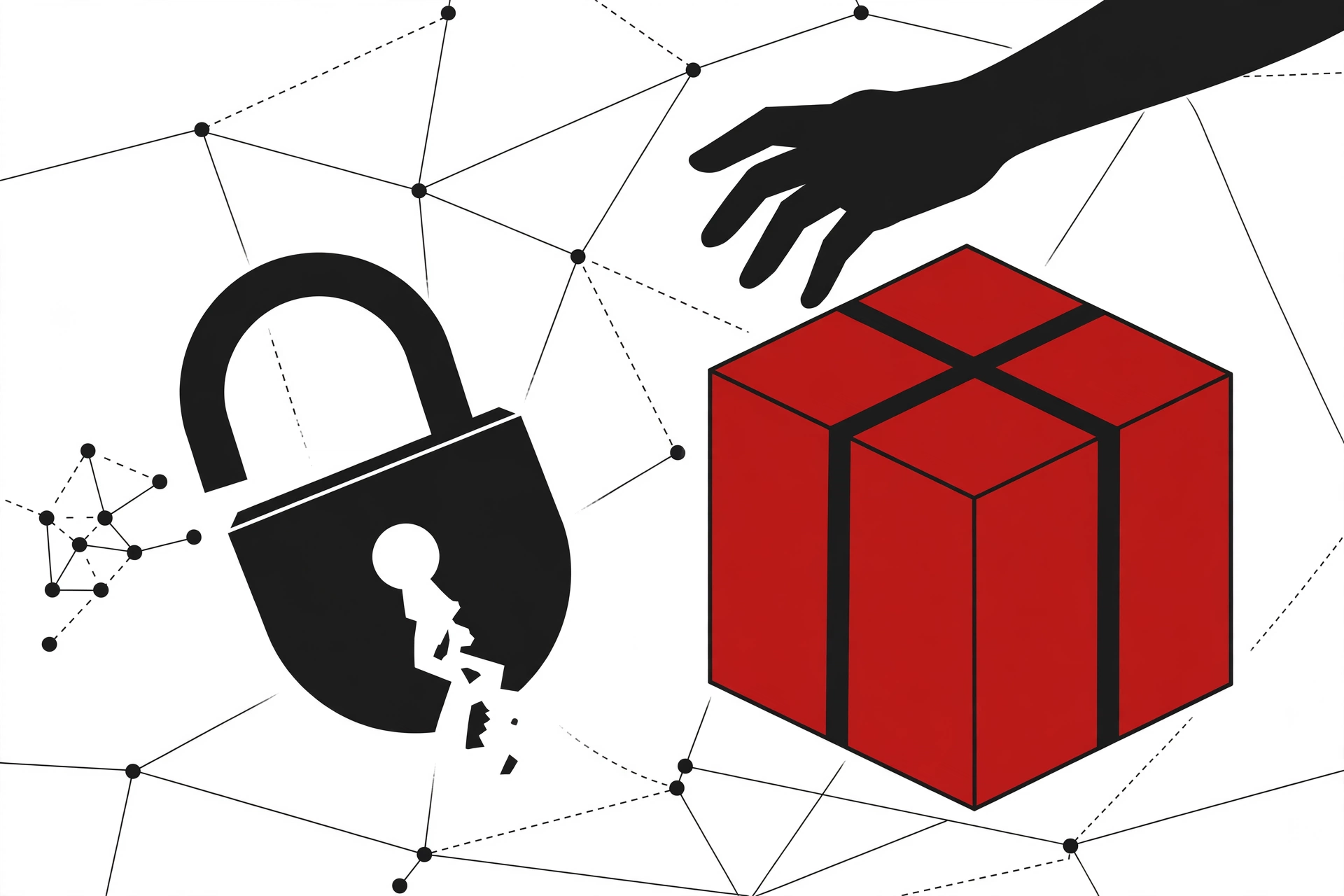
The only prerequisite: the trusted publisher binding must never have been used to publish a version. Bloom compares it to a lock that checks the address on the door rather than who owns the house — the name moved, the identity did not, and npm was checking the name.
How bad it actually was
The numbers, straight from Bloom’s research and the coverage that cross-confirmed it:
- 1,500+ npm packages with trusted publishing configured were exposed to takeover.
- 10M+ combined downloads; 1M+/month across the exposed set.
- 0 credentials needed — no password, no token, no compromised account.
- Reported via GitHub HackerOne on 6 June 2026, validated 9 June, fix shipped 2 October 2026 — roughly 118 days from disclosure to fix.
- No active exploitation observed in the wild, per researcher Golan Myers. Bloom did reproduce the attack under controlled conditions, publishing a new version of an existing npm package they controlled.
- Package names withheld — Bloom says the issue is “still prevalent”, and the count is relative to packages with trusted publishing configured, a small fraction of the whole registry.
The honest version: this was a takeover path, not an active malware campaign. Nobody has disclosed a malicious package from it. But a hijacked release under a trusted name with a postinstall script would have spread the way supply-chain attacks always do — and that is the scenario worth defending against.
What GitHub fixed on 2 October
The fix, per the GitHub changelog entry and Bloom’s confirmation, changed three things:
- Unvalidated bindings expire after 48 hours. A trusted publisher configuration that has never been used to publish stops working two days after creation — closing the window where a freed slug could be claimed.
- Validated bindings follow the permanent identity. After the first successful publish, the binding is tied to the repository’s immutable numeric ID, not just the slug. A rename or transfer no longer silently hands your publishing rights to whoever claims the old name.
issue_commenttokens are rejected. Tokens minted fromissue_commentevents can no longer be exchanged for publish credentials, closing a related OIDC edge.
The fix addresses the exposure, but as Bloom notes, maintainers still need to review their existing trust relationships — the registry cannot audit your hygiene for you.
If you maintain a package: audit your bindings today
Run this on every package you publish (the trust command ships with npm CLI 11.5.1+, so upgrade first if you are on npm 10):
npm trust list my-package
For each binding, check that the listed repository slug still resolves to a repository you control. Then do the hygiene pass:
- Renamed or transferred a repo? Delete the existing trust binding and recreate it pointing at the current slug. The old binding is the exact shape SlugFest exploited.
- Deleted a repo? Remove its trusted publishing binding before you delete the repository — never leave a binding pointing at a slug you no longer own.
- Only one config per package. The registry supports a single trusted publisher configuration per package. To replace one:
npm trust list [package]to get the ID, thennpm trust revoke --id <id> [package]before creating the new binding. - Monitor publish events. An unexpected release under your package name is the loudest possible alarm — make sure someone would hear it. Watch the package’s version history and registry webhooks if you have them.
If you only install packages: check what you are actually pulling
Consumers cannot audit a publisher’s bindings, but you can verify that what lands in node_modules came from the project you think it did. Three habits, cheapest first:
1. Verify signatures and provenance. After installing, run:
npm audit signatures
This verifies both registry signatures and provenance attestations for everything installed (npm 9.5.0+). And here is the SlugFest-specific catch: a hijacked release could still carry a valid provenance signature — signed against the wrong repository. Signed does not mean safe. Check which repository signed it, not just that a signature exists.
2. Check that the latest release still comes from the same repo as the one you run. The script below walks your lockfile and compares the GitHub repository of each locked version against the latest published version. A repo that changed between releases means the release pipeline moved — worth a look before you upgrade. It uses only npm view, and I tested it on Node 24 with npm 10.9.4:
// check-dep-repos.js — run in any project with a package-lock.json
const { execFileSync } = require('node:child_process');

const lock = require('./package-lock.json');
const pkgs = Object.entries(lock.packages || {})
  .filter(([p, v]) => p && v.version && !p.startsWith('node_modules/'))
  .map(([p, v]) => [p.replace('node_modules/', ''), v.version]);

function view(pkg, ver, field) {
  return execFileSync('npm', ['view', `${pkg}@${ver}`, field], { encoding: 'utf8' })
    .trim().replace(/^'/, '').replace(/'$/, '');
}

let flagged = 0;
for (const [name, lockedVer] of pkgs) {
  try {
    const lockedRepo = view(name, lockedVer, 'repository.url');
    const latestVer = view(name, 'latest', 'version');
    const latestRepo = view(name, latestVer, 'repository.url');
    if (lockedRepo !== latestRepo) {
      flagged++;
      console.log(`FLAG ${name}: locked ${lockedVer} -> ${lockedRepo}`);
      console.log(`     latest ${latestVer} -> ${latestRepo}`);
    }
  } catch (e) { console.log(`SKIP ${name}: ${e.message.split('\n')[0]}`); }
}
console.log(flagged ? `\n${flagged} package(s) changed repos.` : '\nAll repos match. Nothing to see here.');
Run it with node check-dep-repos.js before a major dependency upgrade round. A flag is not proof of compromise — maintainers rename repos legitimately all the time — but it tells you exactly which packages deserve a release-notes read before you bump.
3. Stop floating in CI. Commit your lockfile, install with npm ci, and do not let automation resolve ^ ranges to latest unsupervised. A takeover publishes a new version; pinned installs never pick it up unasked.
The AI-agent wrinkle
Bloom’s numbers are what make this a developer-tools story rather than just a maintainer story: roughly 70 agent-installed packages per month on a typical endpoint, up to 350 on developer machines. As Bloom put it: “Agents resolve dependencies on their own, tend to take the latest version, and rarely check where a package came from.” A hijacked release pulled by an autonomous agent runs with no human-in-the-loop — no diff review, no release-notes glance.
If you run coding agents with install privileges, this is the concrete takeaway: scope them to install-only commands against your lockfile (npm ci), and keep npm install <pkg>@latest-style upgrades as a human decision. The agent is the fastest possible path from a compromised release to execution.
Bottom line
npm SlugFest did not require stolen credentials, and the fix shipped on 2 October 2026 — unvalidated bindings now expire in 48 hours, validated ones bind to the repository’s permanent ID, and issue_comment tokens are rejected. What the fix cannot do is audit your bindings for you. If you publish: run npm trust list on every package and kill any binding whose slug you no longer control. If you install: check the repo behind the release before you upgrade, pin your installs, and keep your agents off latest. Ten minutes of hygiene beats a postinstall surprise.
Further Reading & References
- SlugFest: Millions of AI Agents Install npm Packages Exposed to Malicious Takeover — Bloom Security’s original research write-up (the numbers, the scanner methodology, the controlled reproduction)
- Over 1,500 npm Packages Exposed by Trusted Publishing Validation Flaw — CSO Online, with researcher Golan Myers on the fix and the “no active exploitation observed” confirmation
- GitHub Tightens npm Publishing After Flaw Left 1,500+ Packages Vulnerable to Hijacking — The Hacker News, full attack walkthrough and maintainer action list
- 1,500 npm Packages Were Open to Takeover. No Password Needed — Martin’s Oct 18, 2026 write-up with the dependency repo-check script approach (tested on Node.js 24.18, npm 11.16)
- npm-trust | npm Docs — the official
npm trustreference:list,revoke, permission flags (--allow-publish), npm 11.5.1+ requirement - npm Trusted Publishing Flaw: SlugFest, Fix, and AI Agent Risk — Sourcetrail’s summary with the 120-day disclosure-to-fix timeline and agent-install figures
- Active Alerts — Vibe Coding Security Issue Tracking — the SlugFest advisory entry, noting the Oct 2 GitHub changelog fix and the
npm trust listremediation - An npm Loophole Left 1,500 Packages Open to Hijack Through Dead Repo — Cyberpresso on the maintainer hygiene gap behind the flaw
- The imgdecode npm Package Is Malware: How to Check Your Lockfiles — HowToShipIt, Oct 17, 2026 — the companion “check your dependencies” guide for the npm supply-chain beat