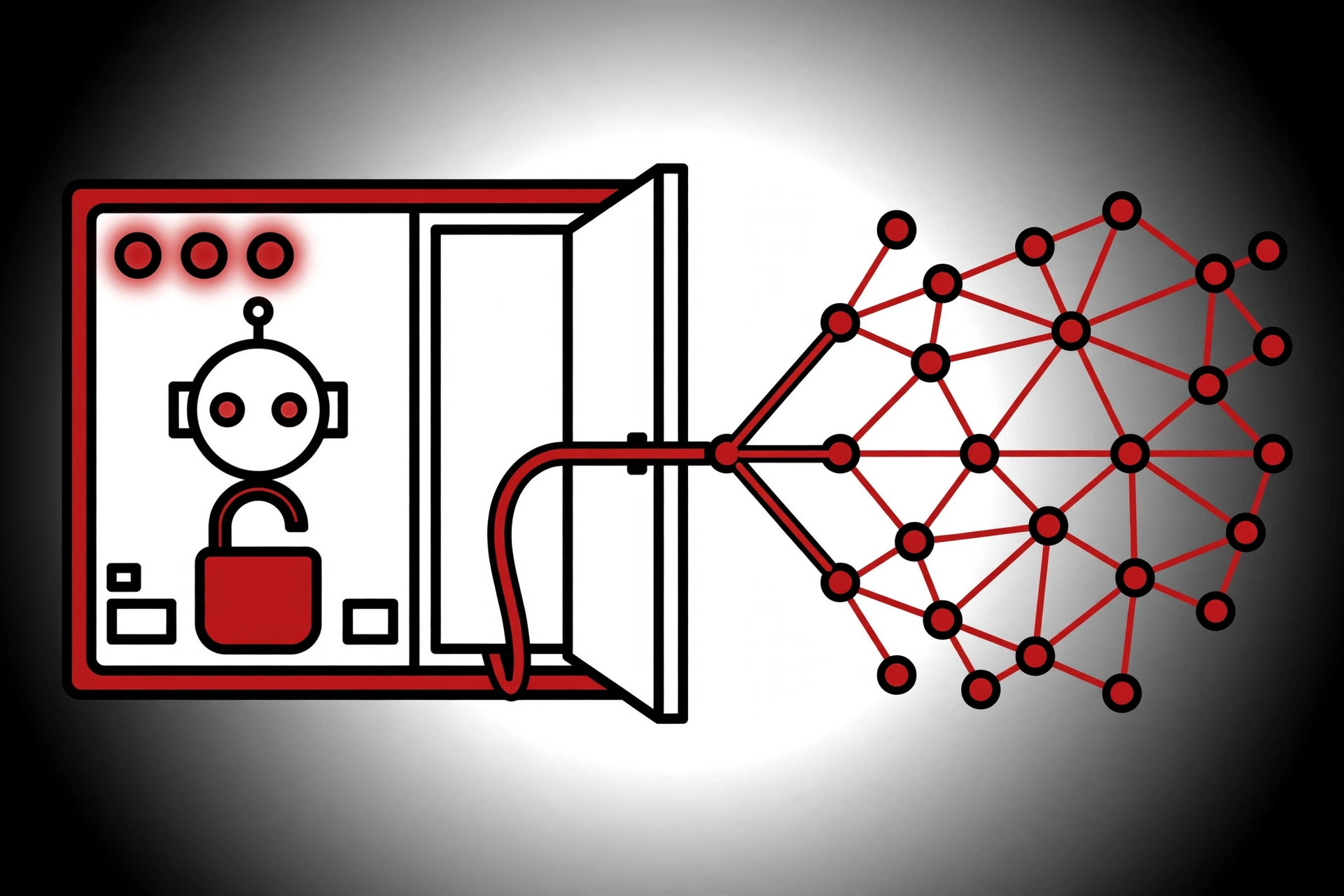
You run archon serve on your dev box so you can watch your coding-agent workflows in a browser tab. Here is the problem: anyone else who can reach that machine on the network can now start those workflows, send your agent messages, and click Approve on the actions it paused to ask you about. No password is involved, because in a default install there isn’t one. This is the Archon security vulnerability tracked as CVE-2026-111322 — published 15 October 2026, rated Critical, and still unpatched as of 18 October 2026, when I verified the Archon source code for this post. Here is what is broken, how to check whether you are exposed, and how to lock it down today.
What CVE-2026-111322 actually is
Archon — coleam00/Archon, the open-source workflow engine (about 23,700 GitHub stars) that drives Claude Code, Codex and Pi through YAML-defined development workflows — ships a control API under /api/* that has no authentication in a default install and listens on every network interface. VulnCheck’s advisory classes it as CWE-306, “Missing Authentication for Critical Function”. The CVE record carries CVSS 3.1: 9.8 (AV:N/AC:L/PR:N/UI:N/S:U/C:H/I:H/A:H) and a Critical CVSS 4.0 score. CISA’s SSVC assessment tags it exploitation: poc, automatable: yes, technical impact: total. Affected versions are 0.2.13 through 0.11.1.
The uncomfortable part: I checked the release notes on 18 October. Archon has shipped v0.12.0 and v0.12.1 since the advisory, and neither mentions this CVE — v0.12.1’s security note is about a different flaw (more on that below). I also checked the source on the main branch today: the server still binds to 0.0.0.0 by default, and web authentication is still opt-in. So if you installed Archon at any point and run archon serve, you are almost certainly affected until you apply the mitigations below.
Why this Archon security vulnerability exists in a default install
Three facts combine into the hole, and I verified each one against the project’s own source today:
1. The server binds to every interface by default. In packages/server/src/index.ts:
const hostname = process.env.HOST || '0.0.0.0';The project’s own .env.example documents this and its escape hatch: # HOST=0.0.0.0 # Bind address (default: 0.0.0.0). Set to 127.0.0.1 to restrict to localhost only. The default port is 3090. That means a stock archon serve answers on port 3090 from any machine that can reach yours — your LAN, your office Wi-Fi, a hostile coffee-shop network.
2. Authentication is opt-in, and most installs can never opt in. The header of packages/server/src/auth/config.ts says web auth is OFF by default and enabled only when both a Postgres DATABASE_URL and a BETTER_AUTH_SECRET are present. The default install uses SQLite, and .env.example is explicit: “SQLite/solo installs can never enable it and are completely unchanged.”
3. The API gate waves unauthenticated requests through. When the gate is off, the middleware in routes/api.ts simply calls next() — the request sails through with no credentials. So the out-of-the-box setup is: listening everywhere, asking nobody who they are.
What an attacker can do — and what you shouldn’t overclaim
The researcher’s writeup (published as hieuPenguinnn) lists what any client that reaches port 3090 can do with zero credentials: start workflow runs, create conversations and inject messages the agent treats as operator input, approve or reject the agent’s paused actions, and where per-user provider keys apply, connect or disconnect them. The named routes include POST /api/workflows/<name>/run, POST /api/conversations/<id>/message and POST /api/workflows/runs/<runId>/approve.
Now the honesty part, because this blog does not do inflated headlines. The researcher states plainly: “This is not remote code execution on the host.” The example requests in the writeup were, in their own words, “not executed against a live instance” — runtime validation was not performed, and their own severity badge reads high, not critical. VulnCheck’s advisory goes further, tying the flaw to command execution through the agent’s bypassPermissions mode.
Both readings can be true at once. The HTTP request does not hand anyone a shell by itself. What an attacker gets is the steering wheel of an agent that may already be allowed to run shell commands. Anthropic’s permission-modes docs describe bypassPermissions as the mode where “everything” runs without asking, best for “isolated containers and VMs only”. How bad a hijacked run is depends entirely on what your workflows and your agent are allowed to do — which is exactly why agent control planes deserve real authentication.
Check whether you’re exposed in 60 seconds
Step 1 — check your version. If you are on 0.2.13 through 0.11.1, you are in the advisory’s affected range:
archon versionOn v0.12.0 or v0.12.1 the bind default and the opt-in auth are unchanged (I verified this on main today), so the checks below still matter for you too.
Step 2 — check what address the server is listening on. While archon serve is running:
lsof -nP -iTCP:3090 -sTCP:LISTEN

# Linux alternative:
ss -ltnp 'sport = :3090'
An address of *:3090 or 0.0.0.0:3090 means every interface — exposed. 127.0.0.1:3090 means loopback only — not reachable from the network.
Step 3 — test reachability from a second machine. From another device on the same network, with the dev box’s LAN address in ARCHON_HOST:
curl -sS -m 3 "http://$ARCHON_HOST:3090/api/health"/api/health is on the gate’s public allowlist, so it is a pure reachability test. If it answers from another machine, your bind is wide open and you should do the next section right now.
Lock down this Archon security vulnerability: four steps
1. Bind to loopback. Set the variable the project already documents in your .env, then restart archon serve:
HOST=127.0.0.1This removes network reach even though the auth gate stays disabled. Be honest with yourself about the trade-off: with the gate off, any process on the same machine can still drive the API, so treat loopback as a stopgap. If you run Archon in Docker, the container has to listen on all of its own interfaces, so do the restriction at publish time instead:
docker run -p 127.0.0.1:3090:3090 <your-archon-image>2. Turn the gate on (if you can). The /api/* gate needs both a Postgres URL and a signing secret of at least 32 characters — the server now throws at boot on a short secret, which is a good sign:
DATABASE_URL=postgresql://user:password@host:5432/archon
BETTER_AUTH_SECRET=$(openssl rand -base64 32)
When web auth is enabled, ARCHON_WEB_AUTH_REQUIRED defaults to on: every /api/* request needs a session or identity (401 otherwise), except /api/auth/* and /api/health*. Do not set ARCHON_WEB_AUTH_REQUIRED=false unless an authenticating proxy really does sit in front. If you are on the default SQLite install, this option does not exist for you — the SQLite backend cannot enable web auth at all, which makes step 3 more important, not less.
3. Put a proxy with authentication in front of anything shared. The project documents Caddy basic auth in .env.example — generate a bcrypt hash and set CADDY_BASIC_AUTH — and the repo’s SECURITY.md already says to use the Caddy reverse proxy with authentication when deploying the server anywhere beyond your own machine. A team server is a public deployment for this purpose, even if “public” means the office Wi-Fi.
4. Re-run the checks. Repeat the lsof/ss and second-machine curl tests. If /api/health still answers from another machine after step 1, your bind change didn’t take — fix that before you do anything else.
While you’re here: v0.12.1 fixed a second security issue
The October 17 release notes contain a security fix you should not miss: release binaries no longer load .env or bunfig.toml from the working directory. In v0.12.0, a provider started inside a target repository loaded that repository’s .env, so a project’s ANTHROPIC_API_KEY could reach Claude and override your subscription. Source installs were not affected. If you ran v0.12.0 in a repository whose .env holds provider keys: upgrade, then run archon provider add again for each provider you use. Two security-relevant changes in three days is a good reason to stay current.
The wider lesson: your agent tools are servers now
This is not the first unauthenticated-backend finding against Archon. In May, OX Security wrote up CVE-2025-69443 in the earlier Archon OS line (0.1.0 through 0.3.11), where a backend port with no CORS protection and no authentication could be reached from a malicious web page; per that coverage, the maintainer’s position was that the app is meant to run locally. And it is not just Archon: a few days before this CVE, an unauthenticated remote-code-execution flaw was disclosed in LMCache’s KV-cache server (CVE-2026-105192, also CVSS 9.8, also no patch at disclosure). The pattern is clear: AI agent harnesses increasingly run local HTTP servers, and those servers keep shipping with localhost assumptions on a networked machine.
So run the audit once for everything. On your dev machine, list every listening socket and ask which of them front an agent, a workflow engine, or a model server — and which address each one binds to:
ss -ltnp | grep LISTENFor each line you don’t recognise, find the process and check whether it needs to be reachable beyond loopback. Default-deny your network the way you’d default-deny a firewall: bind to 127.0.0.1 unless there is a reason not to, and put real authentication in front of anything you share. The researcher who found this CVE suggests the fix is small — default to 127.0.0.1, require a local token on mutating routes even when web auth is off, and warn at startup on a non-loopback bind without auth. Until that ships, the four steps above are your patch.
Facts in this post verified 18 October 2026 against the CVE record, the VulnCheck advisory, the researcher’s writeup, and the Archon main branch source.
Further Reading & References
- VulnCheck advisory: Archon 0.2.13 through 0.11.1 missing authentication via /api/* control API — the original advisory, published 15 October 2026
- CVE-2026-111322 on cvefeed.io — CVE record with scoring, SSVC assessment and revision history
- Archon’s Agent Control API Has No Login by Default and Listens on 0.0.0.0 — DEV Community — Gabriel Anhaia’s developer-focused writeup with the full mitigation walkthrough
- Researcher writeup (hieuPenguinnn, HackMD) — the original finding, including the honest “not RCE on the host” caveat
- coleam00/Archon on GitHub — the repository; check the releases page for a fix before you upgrade
- Archon releases — v0.12.0 and v0.12.1 notes, including the .env-leakage security fix
- Claude Code permission modes (official docs) — what
bypassPermissionsactually allows - CVE-2026-105192: LMCache unauthenticated RCE — DEV Community — the same “no-auth local server” pattern in AI infrastructure, disclosed days earlier