Your tab switches snap instead of gliding. Your list re-renders and the item you were looking at just vanishes. Your modal opens with a hard cut while every other app on your phone animates. You could fix all of that with an animation library — or you could use what the browser already ships. React 19.3, released on 9 September 2026, makes two long-experimental APIs stable — <ViewTransition> and Fragment Refs — and adds a first-class browser() escape hatch for server rendering, Trusted Types support, and a small Server Components quality-of-life fix. The current patch is 19.3.1 (14 October 2026), the release notes list no breaking changes, and if you are already on React 19 the upgrade is a version bump, not a project.
Verified against the official React 19.3 release post and the React reference docs on 19 November 2026.
Upgrade to React 19.3 in five minutes
React 19.3 is a minor release, so there is no codemod to run and no API to rename. Install the latest 19.3 patch in your app and its matching type packages, then confirm what you actually got:
npm install react@19.3 react-dom@19.3
npm list react react-dom
That second command matters: react@19.3 resolves to the newest 19.3.x patch, which is 19.3.1 at the time of writing, and both packages must match — a mismatched react and react-dom is the classic source of baffling runtime errors. If you use Next.js, you do not need to touch React directly: Next.js 16.4 ships with React 19.3, and its App Router docs describe view transitions as working with no configuration. Run your test suite, check the console for the new use-in-a-conditional warning (19.3 warns when use is used incorrectly in a conditional), and ship it. The rest of this post is what the upgrade actually buys you, in the order you are most likely to use it.
1. View Transitions: animations without a library
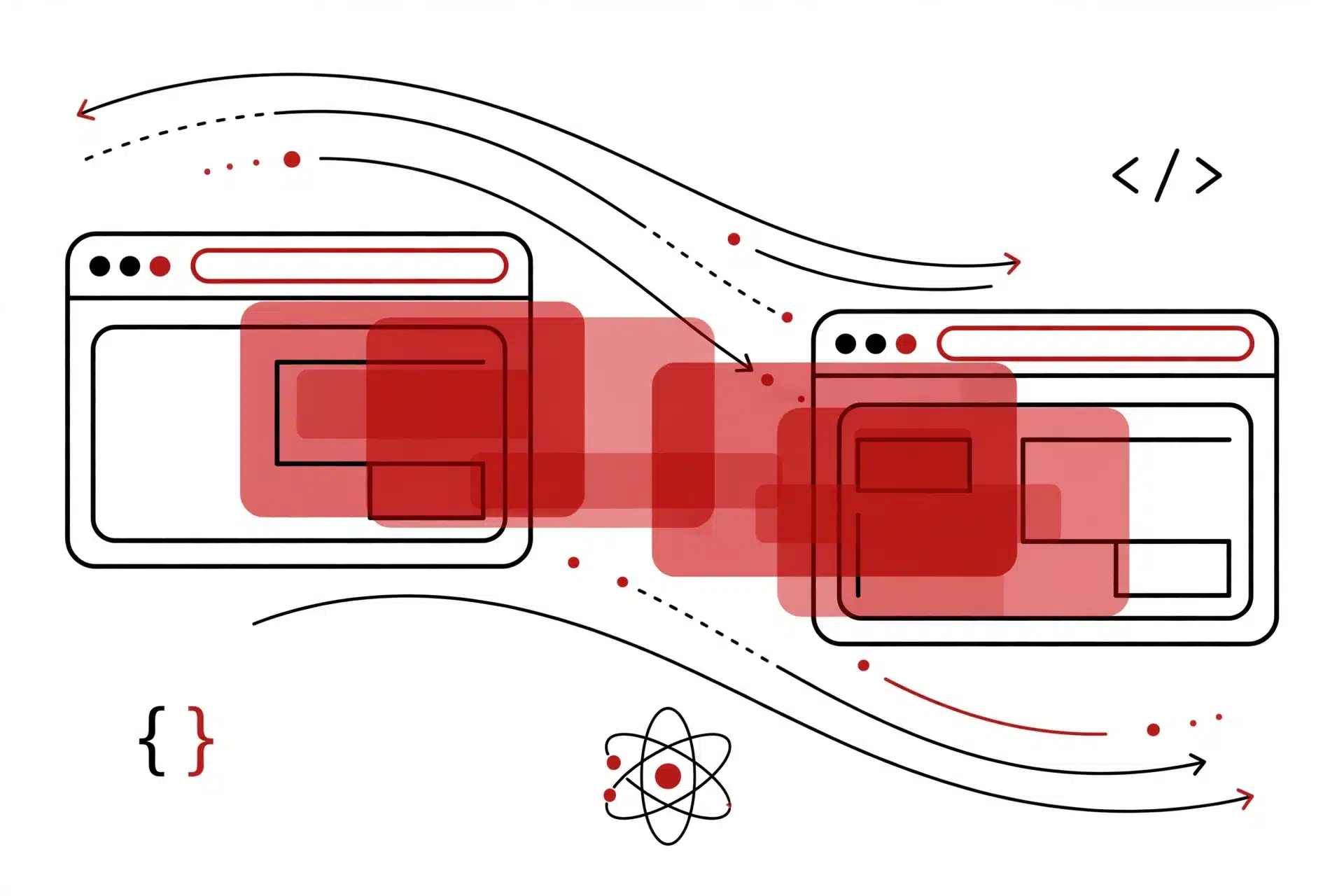
The browser has had a View Transition API for years: it snapshots the old page state, applies your DOM update, snapshots the new state, and animates between the two with CSS. The problem was always the wiring — calling document.startViewTransition() yourself, naming elements, and keeping React’s rendering in sync with the browser’s snapshot timing. React 19.3 does that wiring for you. Wrap part of your UI in <ViewTransition> and React animates it when it enters, exits, moves, or resizes:
import { ViewTransition, useState, startTransition } from 'react';

function DetailsPanel() {
  const [open, setOpen] = useState(false);

  return (
    <>
      <button
        onClick={() => {
          startTransition(() => setOpen((prev) => !prev));
        }}
      >
        {open ? 'Hide details' : 'Show details'}
      </button>

      {open && (
        <ViewTransition>
          <section className="details">
            <h2>Shipping details</h2>
            <p>Orders placed before 2pm ship the same day.</p>
          </section>
        </ViewTransition>
      )}
    </>
  );
}
React picks the animation from how the tree changed, and there are four triggers: enter (the boundary is added), exit (it is removed), update (its children change style or content), and share (a named boundary is removed in one place and added in another). By default you get the browser’s smooth cross-fade, which is already a large improvement over a hard cut — and it costs you one wrapper component.
The rule that catches everyone the first time: only updates marked as Transitions animate. A plain setState is urgent by design, so it applies immediately and skips the animation. Your update has to come from startTransition, a <Suspense> reveal, or useDeferredValue. If you wrap something in <ViewTransition> and nothing animates, check the update path first — nine times out of ten it is an un-wrapped setState.
The second rule is about where the boundary sits: <ViewTransition> only animates enter and exit when it is placed before any DOM nodes in its parent — a top-level boundary, in practice. Nest it deep inside a div full of siblings and the enter/exit animations silently do nothing. Put the boundary as high in the tree as the thing you want to animate.
2. Shared elements: one photo, two places
The enter/exit cross-fade is the easy win. The impressive one is the shared-element transition: a product thumbnail on a list page morphs into the large image on the detail page. Give both boundaries the same name and React animates the element from one position to the other:
import { ViewTransition, useState, startTransition } from 'react';

// On the list page
<ViewTransition name="product-photo">
  <img src={product.thumb} alt={product.name} />
</ViewTransition>

// On the detail page, after the user picks a product
<ViewTransition name="product-photo">
  <img src={product.large} alt={product.name} />
</ViewTransition>
Only use name for shared elements. For everything else, leave it off: React generates a unique name per boundary automatically, which prevents two unrelated transitions from accidentally merging into one. And if you ever see the error about two <ViewTransition name=...> components with the same name mounted at the same time, it means both pages are rendering at once — usually a routing state bug, not a React bug.
To customise the animation, pass a View Transition Class — a CSS class name React applies to the boundary while it animates — instead of hand-writing view-transition-name selectors. The docs recommend classes over raw selectors, because React manages the names for you:
<ViewTransition enter="slide-in" exit="slide-out" default="none">
  <Panel />
</ViewTransition>
::view-transition-group(.slide-in) {
animation-duration: 300ms;
}
::view-transition-old(.slide-in) {
animation: slide-out-left 300ms ease;
}
::view-transition-new(.slide-in) {
animation: slide-in-right 300ms ease;
}
@keyframes slide-out-left {
to { transform: translateX(-100%); opacity: 0; }
}
@keyframes slide-in-right {
from { transform: translateX(100%); opacity: 0; }
}Each trigger — enter, exit, update, share, and default — takes "auto", "none", a class name, or an object keyed by transition type. Setting default="none" switches everything off unless you explicitly enable it, which is the precise control you want when a boundary wraps a Suspense fallback (more on that in the next section). If you would rather drive the animation from JavaScript, the onEnter, onExit, onShare, and onUpdate event props hand you the view-transition pseudo-elements and let you animate them with the Web Animations API; each event should return a cleanup function that cancels the animation when the transition finishes.
3. Directional animations with addTransitionType
Knowing what changed is often not enough — you also want to know why. A carousel moving forward should slide right-to-left; the same carousel moving backward should slide left-to-right, even though both actions set the same piece of state. React 19.3 adds addTransitionType, which tags a transition with its cause so the same boundary can animate differently:
import {
  ViewTransition,
  addTransitionType,
  useState,
  startTransition,
} from 'react';

function Carousel({ slides }) {
  const [index, setIndex] = useState(0);

  function goNext() {
    startTransition(() => {
      addTransitionType('next');
      setIndex((i) => (i + 1) % slides.length);
    });
  }

  function goPrevious() {
    startTransition(() => {
      addTransitionType('previous');
      setIndex((i) => (i - 1 + slides.length) % slides.length);
    });
  }

  return (
    <>
      <button onClick={goPrevious}>←</button>
      <button onClick={goNext}>→</button>
      <ViewTransition
        key={slides[index].id}
        enter={{ next: 'from-right', previous: 'from-left' }}
        exit={{ next: 'to-left', previous: 'to-right' }}
      >
        <Slide slide={slides[index]} />
      </ViewTransition>
    </>
  );
}
React also adds every transition type to the element as a browser view-transition type, so you can scope the same logic in pure CSS with :active-view-transition-type(...). The practical payoff is that one component now covers both directions of a navigation, a tab switch, or a step wizard — no duplicated animation code, no state to track which way the user went.
4. View Transitions and Suspense: three rules that keep loading fast
View Transitions and Suspense are at their best together — and at their worst when you wrap them carelessly. Wrap a Suspense boundary in <ViewTransition> and React animates the reveal from fallback to final content as an update. That is the animation you want. The trap is that the default configuration also animates the fallback appearing, so a loading spinner fades in slowly, and animates already-cached content toggling, so instant UI feels sluggish. The React team’s own guidance is three principles:
- Fallbacks should appear immediately, without animation.
- A fallback should change to its final content with animation.
- Children that do not suspend should appear immediately, without animation.
The one-line fix is to disable every trigger except updates:
<ViewTransition update="auto" default="none">
  <Suspense fallback={<ProfileSkeleton />}>
    <ProfileCard />
  </Suspense>
</ViewTransition>
There is a second Suspense trick in the same release that is easy to miss: images and fonts wrapped in a <ViewTransition> inside Suspense will suspend until they load, instead of flickering in whenever they happen to finish. If you have ever watched a profile card pop in, then its avatar arrive a beat later, then its font swap — that is the fix. Wrap the data, image, and font together and the whole card reveals as one coordinated update.
5. Fragment Refs: a ref for a group, no wrapper div
Every React developer has added a <div> that exists for no reason except to hold a ref — and then watched it break a CSS grid, a flex gap, or a child selector. It gets worse when the component you want to measure does not forward its ref at all, because it comes from a library you do not control. React 19.3 fixes this by letting you pass a ref directly to a <Fragment>. The ref gives you a FragmentInstance — a small, deliberate set of DOM methods that operate on the fragment’s children as a group, without changing the DOM:
import { Fragment, useRef, useEffect } from 'react';

function FocusGroup({ children }) {
  const fragmentRef = useRef(null);

  useEffect(() => {
    // Focuses the first focusable element inside the group,
    // searching nested children depth-first.
    fragmentRef.current?.focus();
  }, []);

  return <Fragment ref={fragmentRef}>{children}</Fragment>;
}
What a FragmentInstance can do, in full:
| Method | What it does |
|---|---|
addEventListener / removeEventListener / dispatchEvent |
Manage events across all first-level DOM children |
focus / focusLast / blur |
Move focus across nested children, depth-first |
observeUsing / unobserveUsing |
Attach an IntersectionObserver or ResizeObserver |
getClientRects / getRootNode / compareDocumentPosition |
Measure the group and compare its position |
scrollIntoView |
Scroll the group’s children into view |
The most useful pattern is visibility tracking without a wrapper. The official release post shows an InView component that fires onChange whenever its children enter or leave the viewport — built by passing an IntersectionObserver to observeUsing. That is the piece that used to demand either a wrapper div or a ref forwarded through every child component. Now the observer attaches to the group directly, and it works even when the children come from a library that never heard of your ref.
Three details to know before you reach for it. First, the event, observer, and measurement methods target first-level DOM children only — focus and focusLast are the exceptions, searching nested children depth-first. Second, observeUsing does not work on text nodes, and React logs a development warning if a fragment contains only text. Third, scrollIntoView takes a single boolean (true scrolls the first child to the top, false the last child to the bottom) — passing an options object like { behavior: 'smooth' } throws an error, so set scroll-behavior: smooth in CSS instead. And note the syntax: you need the explicit <Fragment ref={...}> form. The <>...</> shorthand cannot take a ref (or a key).
6. browser(): stop faking “are we in the browser?”
If your app renders on the server, some components simply cannot produce meaningful HTML there: one reads localStorage, another reads the device’s local timezone. Until now the standard workarounds were a mounted state flag flipped in an effect, or a typeof window !== 'undefined' check — both of which either flash wrong content or split your rendering logic in two. React 19.3 ships a first-class API for it. A component calls use(browser()) to opt out of server rendering:
import { Suspense, use } from 'react';
import { browser } from 'react-dom';

function TimeZone() {
  use(browser());
  const timeZone = new Intl.DateTimeFormat().resolvedOptions().timeZone;
  return <p>{timeZone}</p>;
}

export default function App() {
  return (
    <>
      <p>Your current time zone is:</p>
      <Suspense fallback="Loading...">
        <TimeZone />
      </Suspense>
    </>
  );
}
On the server this suspends, so the nearest Suspense boundary’s fallback goes into the initial HTML. On the client it does not suspend at all, and the component renders normally after hydration. That is the whole point: the loading state for a browser-only component is now just Suspense, the same mechanism as every other async boundary in your app.
Like other calls to use, use(browser()) can sit inside a conditional or after an early return — so a component can opt out only when it actually needs to. The release post’s own example is a data-fetching hook that skips server rendering unless initial data was already passed in from a Server Component:
function useBrowserQuery(query, options) {
  if (options.initialData === undefined) {
    use(browser());
  }
  return useQuery(query, options);
}
One condition: always wrap a browser() component in a Suspense boundary. Without one, the suspend has nowhere to land.
7. Two quieter changes: Trusted Types and Context in Server Components
Trusted Types support. Trusted Types is a browser security feature that stops raw strings being shoved into risky sinks like innerHTML, which is one of the main routes for DOM-based XSS. When a site enforces it with Content-Security-Policy: require-trusted-types-for 'script', the browser requires typed objects (TrustedHTML, TrustedScript, TrustedScriptURL) created through your sanitisation policies. Previously React always coerced values to strings before passing them to DOM APIs, which turned those typed objects back into plain strings the browser would reject. React 19.3 passes them through untouched, so your Trusted Types policies now work as intended. If your team enforces a Trusted Types CSP, this is the change that unblocks it; if you do not, it changes nothing for you.
Context in Server Components. Server Components cannot create Context, but they can now render it directly by importing it from a 'use client' module — no Provider wrapper component required. Before 19.3 you had to export a UserProvider that did nothing except pass a prop through to the Context; now the Server Component renders <UserContext value={currentUser}> directly. It is a small deletion, but it removes a whole class of pointless wrapper components from Next.js and RSC codebases.
8. Smaller fixes worth knowing
The changelog’s long tail is mostly the good kind of boring. Transitions now render independently instead of being entangled into a single render, so one slow transition no longer holds up unrelated ones. React DOM gained onFullscreenChange and onFullscreenError events, fetchPriority support for module resources, and the submitter in submit events. On the bug-fix side: useDeferredValue no longer gets stuck on an old value, context now propagates into Suspense fallbacks correctly, useEffectEvent reads the latest values inside forwardRef and memo components, and several Fast Refresh bugs with lazy, memo, and edits that change a component’s kind are fixed. None of these is a reason to upgrade on its own. Together, they are the reason a minor release with no breaking changes is an easy yes.
9. Five mistakes that will waste your afternoon
1. Animating with a plain setState. Only startTransition, Suspense reveals, and useDeferredValue trigger a View Transition. An urgent update applies immediately, by design, and skips the animation entirely.
2. Burying the <ViewTransition> boundary. Enter and exit animations only fire when the boundary sits before any DOM nodes in its parent. If nothing animates, move the boundary up the tree before you debug anything else.
3. Animating the loading fallback. A bare <ViewTransition> around a Suspense boundary fades the spinner in and animates cached content toggling. Use update="auto" default="none" so only the fallback-to-content reveal animates.
4. Calling document.startViewTransition() yourself. React calls it behind the scenes and coordinates the timing with its own rendering. If something else on the page starts a view transition, React will interrupt it — migrate old hand-rolled transitions to the built-in component instead of running both.
5. Forgetting prefers-reduced-motion. React does not disable animations automatically for users who prefer reduced motion. Wrap your view-transition CSS in a media query:
@media (prefers-reduced-motion: reduce) {
  ::view-transition-group(*),
  ::view-transition-old(*),
  ::view-transition-new(*) {
    animation: none !important;
  }
}
One more thing worth knowing before you ship: the View Transition API is a browser feature, not a React one, and older browsers simply skip the animation — the update still applies, just without the motion. Same-document view transitions work in Chrome and Edge 111+, Safari 18+, and Firefox 144+, which is why MDN lists them as Baseline since October 2025. The newer typed/class features need Chrome 125+, Safari 18.2+, and recent Firefox. That makes <ViewTransition> safe progressive enhancement: no polyfill, no fallback code, no broken experience for anyone on an older browser. It is also DOM-only for now — React Native support is still in progress.
Should you upgrade now?
If you are already on React 19, yes — this week. There are no breaking changes listed, the patch is 19.3.1, and the two headline features replace real code you are writing today: an animation library for page transitions, and wrapper divs for refs. Start with <ViewTransition> on one interaction you already have — a tab switch, a details panel, a list filter — and a Fragment ref on one grid that currently has a div it does not need. If you are on Next.js, upgrade to 16.4 and you get React 19.3 with it.
If you are still on React 18, 19.3 alone is not the reason to jump — the 18-to-19 migration is a bigger decision, and it deserves its own plan. But if that migration is already on your list, 19.3 is the version to land on: it is the current latest on npm, and everything in this post is stable, documented, and shipping in production frameworks today. Either way, the direction is clear. After a year in experimental, animations and low-level DOM access are now core React — not a layer you hand off to another library.
Further Reading & References
- React 19.3 — the official release post (React blog)
- <ViewTransition> — official React reference
- <Fragment> and FragmentInstance — official React reference
- View Transition API — MDN Web Docs
- react on npm — current version and release history
- React 19.3: View Transitions and Fragment Refs Go Stable — Sergio Zabala
- React 19.3, Simplified: 5 Things Worth Knowing — DEV Community
- React View Transitions: How to Use Them for Client Work — Dev Aegis
- How to Fix React Hydration Errors in Next.js — HowToShipIt
- How to Fix React Memory Leaks: 7 Causes and Copy-Paste Fixes — HowToShipIt
- Upgrade Next.js 15 to 16: The EOL Checklist — HowToShipIt
All facts verified 19 November 2026 against the official React 19.3 release post, the React reference documentation, MDN, and the npm registry.