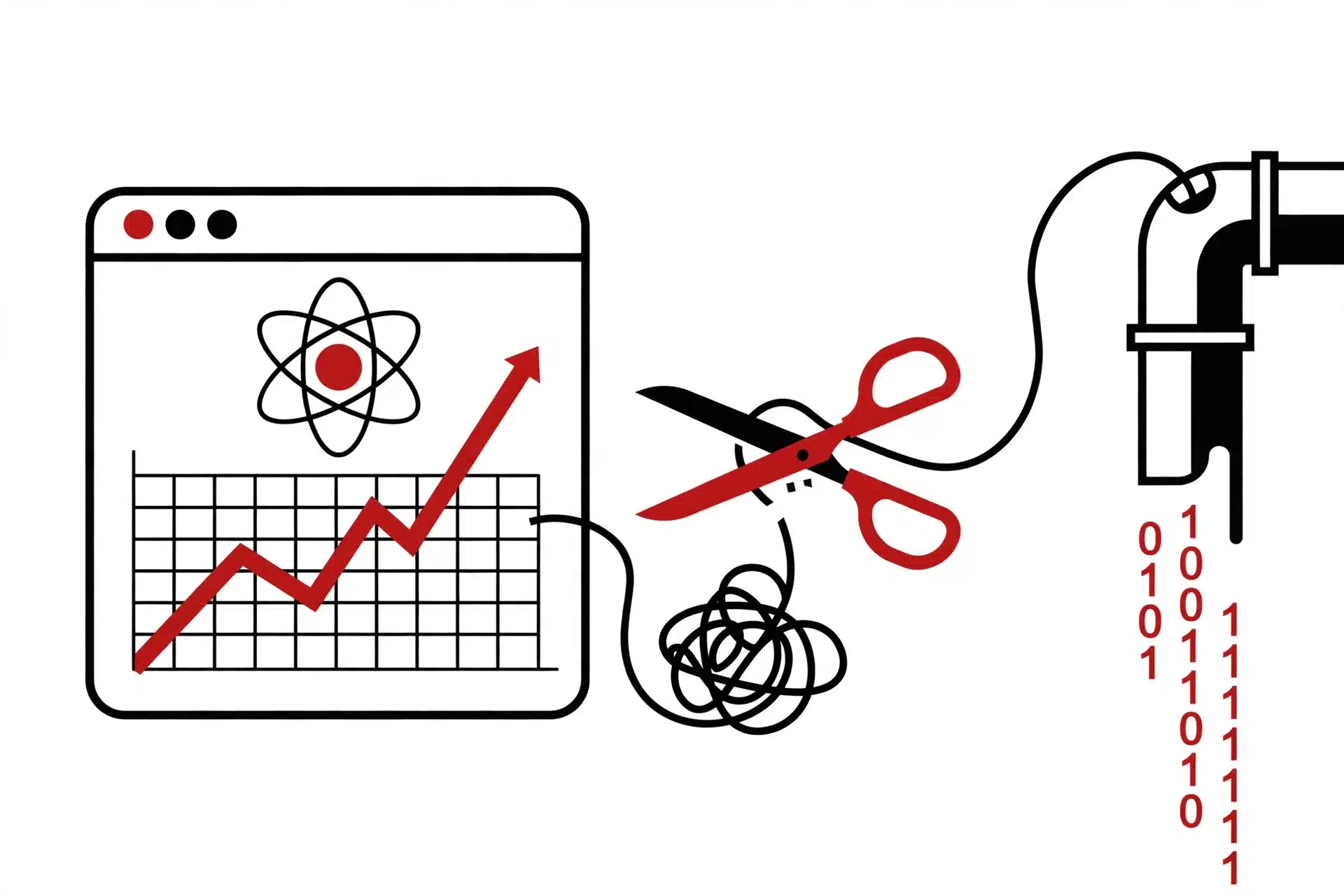
Your React app starts fast, then slowly gets worse. Scrolling stutters, tabs eat gigabytes of RAM, and after an hour the page crashes. That is usually a React memory leak: something your components started is still running long after the component that started it is gone.
This guide shows you how to find a React memory leak, fix the seven causes behind almost all of them, and stop the next one before it ships. Every fix is a copy-paste pattern you can drop into your own code. All facts verified 15 November 2026.
What a React Memory Leak Actually Is
JavaScript has a garbage collector, so a memory leak is not memory you forgot to free by hand. It is memory the collector cannot free because something still references it. A React memory leak happens when an effect starts a resource — a timer, a listener, a subscription, a network request — and nothing ever releases it. The component unmounts, React drops its own references, but the resource keeps the component’s closure alive, and the closure keeps its state, props, and DOM nodes alive with it.
Mount that component ten times and you have ten copies of everything it held. Do it in a list that re-renders on every keystroke and the heap grows until the tab dies.
One thing that confuses people: React used to warn you about this. In React 17 and earlier, setting state on an unmounted component printed the warning “Can’t perform a React state update on an unmounted component”. React 18 removed that warning, because the React team found it was mostly a false positive — a Promise resolving after unmount is usually harmless and gets collected quickly. The warning is gone, but real leaks are not. Subscriptions, listeners, and timers that never stop are still leaks, and now nothing in the console tells you about them.
How to Confirm You Have a React Memory Leak
Do not guess. Confirm the leak first, or you will “fix” code that was never the problem.
Step 1: Watch the heap grow
Open Chrome DevTools, go to the three-dot menu, then More tools > Performance monitor. Watch the JS heap size while you repeat one flow — open a modal and close it, navigate to a page and back, switch tabs in your app — twenty times. If the heap climbs each cycle and never comes back down after garbage collection, something is being retained.
Step 2: Compare two heap snapshots
The Memory panel is the tool that finds the actual culprit. Chrome’s own documentation describes the workflow:
- Take a heap snapshot before the suspect operation.
- Perform the operation, then reverse it, and repeat a few times.
- Take a second heap snapshot and switch its view to Comparison.
- Objects whose count grows between the snapshots — and never shrinks — are your leak.
Two details make this fast. First, the Summary view has a constructor filter for objects retained by detached nodes, which catches detached-DOM leaks directly. Second, selecting an object shows its Retainers at the bottom of the panel — the chain of references keeping it alive. Follow the retainers and you find the line of code that forgot to clean up.
You cannot force garbage collection from page JavaScript, and you would not want to: a leak is reachable memory the collector is correctly refusing to free. The fix is always dropping the reference, not nudging the collector. (Taking a heap snapshot does start with a garbage collection, which is why the snapshot workflow is trustworthy.)
Step 3: Let StrictMode do the detective work
In development, React StrictMode runs every effect’s setup, then its cleanup, then its setup again — one extra setup+cleanup cycle before the first real setup. That is a deliberate stress test: if your cleanup is missing or wrong, you see the symptom immediately — double event listeners, double intervals, double subscriptions. If your effect misbehaves under StrictMode, it will leak in production. Do not disable StrictMode because the double-invoking annoys you; it is a leak detector wearing a trench coat.
1. Timers and Intervals That Never Stop
The most common React memory leak, and the easiest to write by accident. An interval created in an effect keeps firing after unmount, and its callback closes over the component’s state, so the whole component stays in memory.
// LEAK: interval keeps firing after unmount
useEffect(() => {
  setInterval(() => {
    setSeconds(s => s + 1);
  }, 1000);
}, []);
The fix is the pattern every other fix in this guide follows: whatever the effect starts, the cleanup function it returns must stop.
// FIX: clear the timer in the cleanup
useEffect(() => {
  const id = setInterval(() => {
    setSeconds(s => s + 1);
  }, 1000);
  return () => clearInterval(id);
}, []);
The same applies to setTimeout — capture the ID, clear it in the cleanup. And remember that cleanup runs not only on unmount: React runs it before the effect re-runs when dependencies change, so a timer started for the old props is stopped before the new one starts.
2. Event Listeners That Are Never Removed
Every addEventListener without a matching removal is a leak. Mount the component ten times and you have ten resize handlers, all firing, all holding their closures alive.
// LEAK: listener survives unmount
useEffect(() => {
  window.addEventListener('resize', () => {
    setWidth(window.innerWidth);
  });
}, []);
The classic fix pairs addEventListener with removeEventListener in the cleanup — but there is a trap: removeEventListener only works if you pass the exact same function reference. An anonymous arrow function defined inline can never be removed, because the reference is different every time.
// FIX: named handler, removed in the cleanup
useEffect(() => {
  const onResize = () => setWidth(window.innerWidth);
  window.addEventListener('resize', onResize);
  return () => window.removeEventListener('resize', onResize);
}, []);
The cleaner fix: AbortController’s signal option
Modern browsers support a signal option on addEventListener (supported since 2021). Pass an AbortController‘s signal, and one abort() call removes every listener tied to it — no function references to track, and it works with anonymous callbacks too.
// FIX: one controller removes every listener
useEffect(() => {
  const controller = new AbortController();
  const { signal } = controller;

  window.addEventListener('resize', () => setWidth(window.innerWidth), { signal });
  window.addEventListener('scroll', handleScroll, { signal });
  document.addEventListener('keydown', handleKey, { signal });

  return () => controller.abort();
}, []);
Use this whenever an effect registers more than one listener. It is the same controller you will use for fetch in the next section, so one cleanup can cover both.
3. Fetch Requests That Resolve After Unmount
A fetch started in an effect does not stop when the component unmounts. The response arrives, the callback runs, and the closure — with all the state it captured — stays alive until the request finishes. With slow or retrying requests, that can be a long time, and in a list that mounts and unmounts fast, the requests pile up.
The old answer was an isMounted flag that guarded the setState call. Do not use it — the React docs discourage it, and it only hides the symptom: the request still runs, still burns bandwidth, and still holds the closure. Cancel the request instead.
// FIX: abort the fetch in the cleanup
useEffect(() => {
  const controller = new AbortController();

  fetch(`/api/users/${userId}`, { signal: controller.signal })
    .then(res => res.json())
    .then(data => setUser(data))
    .catch(err => {
      // AbortError is expected on unmount — ignore it
      if (err.name !== 'AbortError') throw err;
    });

  return () => controller.abort();
}, [userId]);
This also fixes a second bug for free: when userId changes, the cleanup aborts the old request before the new one starts, so a slow response for the previous user can never overwrite the current one.
4. Subscriptions That Are Never Unsubscribed
WebSockets, event emitters, observables, and third-party stores all follow the same rule: if you called something that starts, find the thing that stops it, and put it in the cleanup. The subscribe call usually returns the unsubscribe function — return it directly as the cleanup.
// LEAK: socket stays open after unmount
useEffect(() => {
  const socket = new WebSocket(`wss://api.example.com/price/${symbol}`);
  socket.onmessage = (event) => setPrice(JSON.parse(event.data).price);
}, [symbol]);
// FIX: close the socket in the cleanup
useEffect(() => {
const socket = new WebSocket(`wss://api.example.com/price/${symbol}`);
socket.onmessage = (event) => setPrice(JSON.parse(event.data).price);
return () => socket.close();
}, [symbol]);Every mount opened a socket that never closed; worse, setPrice kept firing into a component that no longer existed. The cleanup runs on unmount and before the effect re-runs when symbol changes, so it prevents both the leak and a pile of stale sockets. The same shape works for RxJS (subscription.unsubscribe()), event emitters (emitter.off(...)), and store subscriptions — return the teardown function.
5. Detached DOM Nodes Held by Refs and Caches
Sometimes the leak is not a subscription at all. Your code removes a DOM node from the page but keeps a reference to it in JavaScript — a ref, a module-level variable, a cache — and the whole subtree stays in memory, because a child node references its parent all the way up the tree.
// LEAK: the removed node stays reachable
let cachedRow = null;

function removeRow(row) {
  row.remove();       // gone from the page…
  cachedRow = row;    // …but still reachable from JS
}
The fix is to drop the reference when you are done with it — cachedRow = null — or, if the cache genuinely needs to remember nodes, store them in a WeakMap or WeakRef, which do not keep their keys alive. The heap snapshot workflow from earlier is the fastest way to find these: filter the Summary view for objects retained by detached nodes and follow the retainers to the variable holding them.
6. Caches and State That Only Ever Grow
Not every leak comes from an effect. An array in state or a module-level Map that you push to on every interaction but never prune is a leak by another name: memory that grows forever and is never released.
// LEAK: the log grows forever
const [events, setEvents] = useState([]);
useEffect(() => {
  const id = setInterval(() => {
    setEvents(prev => [...prev, new Date().toISOString()]);
  }, 1000);
  return () => clearInterval(id);
}, []);
Cap it. Keep the last N entries, evict the oldest, or use an LRU cache that drops entries past a size limit. If the cache is keyed by objects that should be allowed to die on their own — DOM nodes, component instances — use a WeakMap, whose entries disappear when the key is collected. And audit any global store or context that accumulates per-navigation data: a route change that appends without clearing is the same bug at a larger scale.
7. Third-Party Libraries Without a Teardown
Charts, maps, editors, and video players create their own timers, listeners, and DOM. React knows nothing about them, so React cannot clean them up for you. If the library offers a destroy(), dispose(), or remove() method, call it in the cleanup — and check the docs, because the method name is different in every library.
// FIX: destroy the chart instance on unmount
useEffect(() => {
  const chart = new Chart(canvasRef.current, config);
  return () => chart.destroy();
}, []);
Two mistakes are common here. The first is initialising the library outside an effect — in a ref initialiser or module scope — where there is no cleanup at all. The second is creating a new instance on every render because the effect’s dependency array is wrong. Create it once in the effect, destroy it in the cleanup, and update it through the library’s own update API rather than recreating it.
The isMounted Anti-Pattern (and What to Use Instead)
You will still find this pattern in old tutorials and Stack Overflow answers:
// DON'T DO THIS
useEffect(() => {
  let isMounted = true;
  fetch('/api/data')
    .then(res => res.json())
    .then(data => { if (isMounted) setData(data); });
  return () => { isMounted = false; };
}, []);
It stops the state update, but it does not cancel the request, stop the timer, or close the socket — the resource keeps running and keeps the closure alive. React’s own guidance is to cancel the work (AbortController for fetch, clearInterval for timers, unsubscribe for subscriptions) rather than guarding the result. The flag is only a last resort for libraries that genuinely offer no cancellation mechanism, and even then it should sit next to a comment explaining why.
A Leak-Proof Checklist for Every Effect
Before you ship an effect, run through this list. It takes thirty seconds and catches almost every leak in this guide.
- Every effect that acquires a resource returns a cleanup. If the effect starts something, the cleanup stops it. No exceptions.
- The cleanup mirrors the setup. Whatever setup did — add, start, subscribe, connect — cleanup undoes: remove, stop, unsubscribe, disconnect.
- Keep StrictMode on in development. Its extra setup+cleanup cycle surfaces missing cleanup immediately.
- Let the linter check your dependencies. The
react-hooks/exhaustive-depsrule catches missing dependencies, and a wrong dependency array is how effects re-run — or fail to re-run — at the wrong time. - Extract repeated patterns into custom hooks. A
useFetchoruseEventListenerhook that handles abort and removal once means every call site gets the fix for free. - Profile before you optimise. The React DevTools Profiler shows components mounting far more often than expected — a component mounting fifty times when you expected five is either the leak or standing next to it.
- Re-check after the fix. Repeat the heap-snapshot comparison. The delta should be flat. If it is not, the retainers will tell you what is still holding on.
A React memory leak is rarely exotic. It is almost always a forgotten listener, an interval, a fetch, or a cache with no cap — and the fix is almost always the same shape: start it in the effect, stop it in the cleanup. Learn the heap-snapshot workflow once, keep StrictMode on, and the next time your app’s memory graph climbs, you will know exactly where to look.
Further Reading & References
- useEffect — React docs — the official reference: cleanup runs before the effect re-runs and on unmount, and StrictMode’s extra dev-only setup+cleanup cycle.
- Record heap snapshots — Chrome DevTools docs — the snapshot-and-compare workflow, detached-node filter, and retainers panel.
- AbortSignal — MDN — how AbortController and its signal cancel fetches and listeners.
- Memory Leaks in the Browser, and How to Stop Them — JSBits — the GC mental model: a leak is reachable memory you no longer need.
- Investigating, debugging and solving memory leaks in JavaScript and React — DEV — the heap-snapshot workflow in practice, and StrictMode as a leak detector.
- Fix React state update on an unmounted component — Sentry — why React 18 removed the warning, and why cleanup still matters.
- Remove event listeners using an AbortController — dougfrei.dev — the
{ signal }option for grouped listener cleanup. - Fix: Can’t Perform a State Update on an Unmounted Component — iloveblogs — separating the old warning from real resource leaks.
Further reading on HowToShipIt: How to Use the React Profiler to Fix a Slow App, How to Fix React Hydration Errors in Next.js, and React Compiler: How to Enable It Without Breaking Your App.