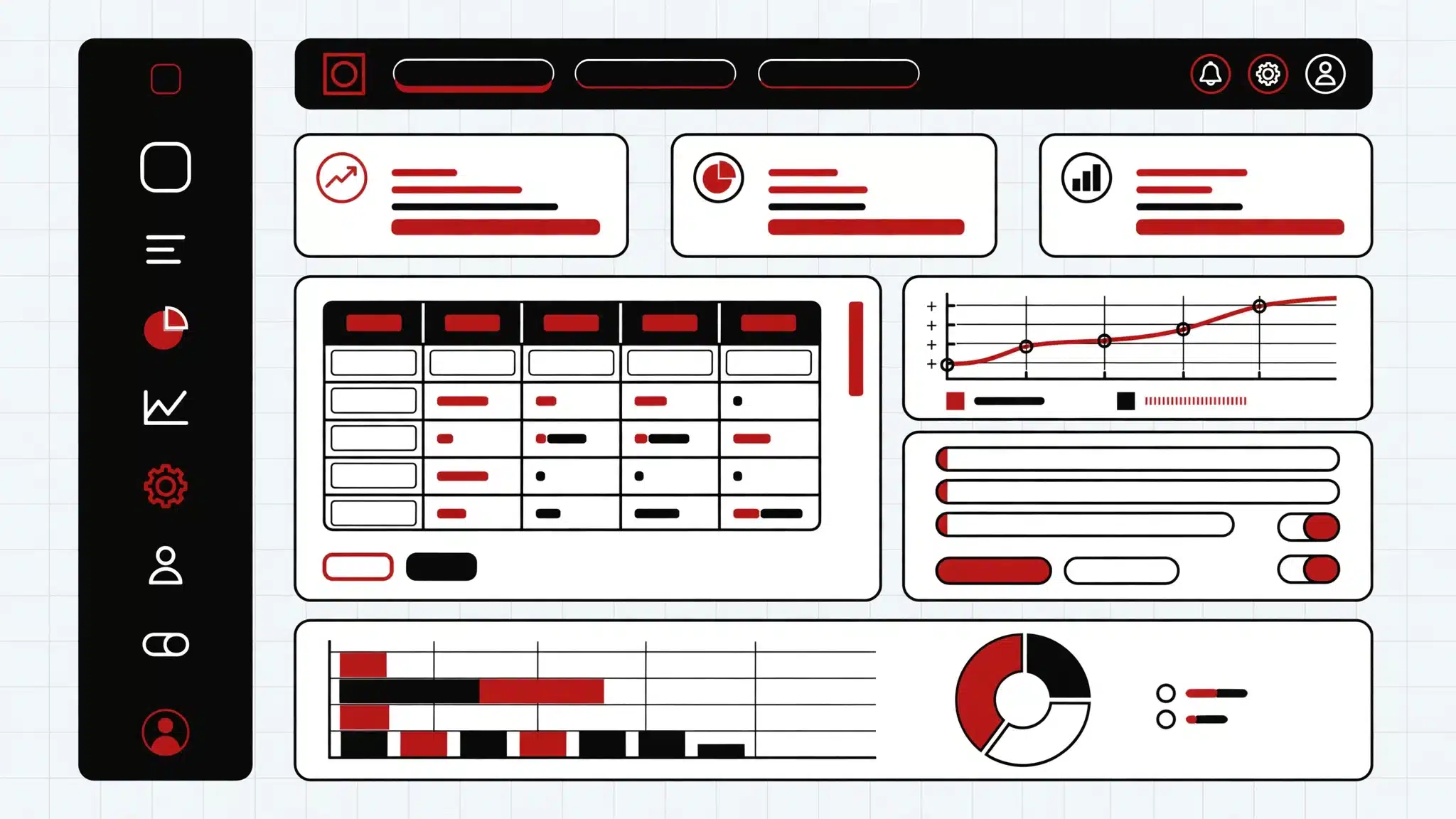
Every Laravel app eventually needs an admin panel. Somebody has to refund the order, ban the spam account, and check why the payout failed — and building that panel by hand means weeks of CRUD controllers, Blade tables, and form validation you have already written three times before. Laravel Filament is the shortcut the Laravel community settled on: you describe your forms and tables in PHP, and Filament renders a polished, responsive admin panel for you. No JavaScript, no separate frontend, no API contract to maintain.
This guide builds a working Filament admin panel from scratch on the current stack — Filament v5 on Laravel 13 — then locks it down, wires up roles and multi-tenancy, and covers the mistakes that bite first-time users. Everything below was verified against the current Filament documentation and release notes on 25 November 2026.
What Laravel Filament actually is
Filament is not one package. It is a suite of coordinated packages that share a design language and run on the TALL stack (Tailwind CSS, Alpine.js, Laravel, Livewire):
| Package | What it gives you |
|---|---|
filament/filament |
The panel builder — everything below wired into a complete admin panel |
filament/forms |
The form component library: text inputs, selects, repeaters, rich editors |
filament/tables |
The data table builder: sorting, filtering, bulk actions, exports |
filament/actions |
Reusable actions with modals, wizards, and confirmation flows |
filament/infolists |
Read-only record displays for view pages |
filament/widgets |
Dashboard widgets: stats, charts, custom Livewire widgets |
filament/notifications |
Flash and database-backed notifications |
Because the packages are separable, you can install just filament/forms inside an existing app to get Filament-style forms without the full panel. Most projects, though, install the whole filament/filament package and get everything at once.
Which version to install: Filament v4 vs v5
Filament 5 landed on 16 January 2026, the same week as Livewire 4. Here is the part that surprises people: Filament v5 has no new features compared to v4. The Filament team put it plainly in the announcement — apart from Livewire v4 support, v5 has no additional changes over v4. The major bump exists because Livewire 4 has breaking changes, and shipping Livewire 4 support in a v4 minor release would have broken apps during a routine composer update.
| Filament v4 | Filament v5 | |
|---|---|---|
| Released | August 2025 | 16 January 2026 |
| Livewire | v3 | v4 |
| Latest patch (late Nov 2026) | 4.17.0 | 5.12.0 |
| Bug fixes until | January 2027 | Not announced |
| API differences | None — resources, forms, tables, actions, and widgets are identical | |
The headline capabilities people associate with modern Filament — the Schema system, the Tiptap-based rich text editor, nested resources, container-query responsive layouts — landed in Filament 3.1, 4, and 4.1, and v5 carries them forward. Livewire 4 is what you actually gain: non-blocking polling and parallel wire:model.live requests, which makes tables and forms feel noticeably faster.
The rule is simple: start new panels on Filament v5. Stay on v4 only if a plugin you depend on has not moved to Livewire 4 yet.
System requirements
Filament v5 needs PHP 8.2 or higher, Laravel v11.28 or higher (11, 12, and 13 are all supported), Livewire v4, and Tailwind CSS v4.1 or higher. One honest caveat: PHP 8.2’s security support ends on 31 December 2026, so a new panel belongs on PHP 8.4 or 8.5 even though 8.2 technically meets the floor.
Installing Laravel Filament
Start from a fresh Laravel 13 app, then require the package with the v5 constraint:
composer require filament/filament:"^5.0"
php artisan filament:install --panels
php artisan make:filament-user
php artisan serve
The install command asks for a panel ID — accept the default admin — and scaffolds the panel provider at app/Providers/Filament/AdminPanelProvider.php, publishes the assets, and registers everything. The make:filament-user command creates your first admin login. Visit http://localhost:8000/admin and you have a working panel with a dashboard, a user menu, and dark mode — before writing a single line of panel code.
That provider file is where the whole panel is configured. Open it and you will see the fluent builder that controls the panel’s identity, colours, navigation, pages, and widgets:
<?php

namespace App\Providers\Filament;

use Filament\Panel;
use Filament\PanelProvider;

class AdminPanelProvider extends PanelProvider
{
    public function panel(Panel $panel): Panel
    {
        return $panel
            ->default()
            ->id('admin')
            ->path('admin')
            ->login()
            ->colors([
                'primary' => \Filament\Support\Colors\Color::Red,
            ])
            ->discoverResources(in: app_path('Filament/Resources'), for: 'App\\Filament\\Resources')
            ->discoverPages(in: app_path('Filament/Pages'), for: 'App\\Filament\\Pages')
            ->discoverWidgets(in: app_path('Filament/Widgets'), for: 'App\\Filament\\Widgets');
    }
}
Need a second panel — say, a customer portal alongside the admin area? Generate one with php artisan make:filament-panel. Each panel is its own provider with independent authentication, navigation, and resources.
Lock the panel down before you build anything
This is the step most tutorials skip and the one that matters most. Out of the box, Filament lets any authenticated user reach /admin in your local environment. In production, a user whose model does not implement Filament’s FilamentUser contract gets a 403 — but the moment you implement it with return true and forget about it, every registered user on your site can open the admin panel.
Implement the contract on your User model and make the check real:
<?php

namespace App\Models;

use Filament\Models\Contracts\FilamentUser;
use Filament\Panel;
use Illuminate\Foundation\Auth\User as Authenticatable;

class User extends Authenticatable implements FilamentUser
{
    public function canAccessPanel(Panel $panel): bool
    {
        return $this->is_admin === 1 && $this->hasVerifiedEmail();
    }
}
Because canAccessPanel() receives the current $panel, you can gate panels differently — admins into admin, any verified user into a customer portal. Any logic works here: roles, email domains, a staff flag. The point is that the check exists before the panel has anything worth protecting.
Your first resource: an Orders admin in 15 minutes
Resources are the core of Filament. Each resource is a static class that builds the CRUD interface for one Eloquent model — list, create, edit, and optionally view pages — from the form and table you declare. Generate one for an Order model and let Filament inspect the database columns to draft the form and table for you:
php artisan make:filament-resource Order --generateSince Filament v4, the generated files are split into focused classes instead of one giant resource file:
app/Filament/Resources/Orders/
├── OrderResource.php
├── Pages/
│   ├── CreateOrder.php
│   ├── EditOrder.php
│   └── ListOrders.php
├── Schemas/
│   └── OrderForm.php
└── Tables/
    └── OrdersTable.php
The resource class itself stays thin — it just points at the schema and table classes:
use App\Filament\Resources\Orders\Schemas\OrderForm;
use App\Filament\Resources\Orders\Tables\OrdersTable;
use Filament\Resources\Resource;
use Filament\Schemas\Schema;
use Filament\Tables\Table;

class OrderResource extends Resource
{
    protected static ?string $model = Order::class;

    public static function form(Schema $schema): Schema
    {
        return OrderForm::configure($schema);
    }

    public static function table(Table $table): Table
    {
        return OrdersTable::configure($table);
    }
}
The form: describe fields, get validation free
Open OrderForm.php and shape the generated fields into something a support agent can actually use:
use Filament\Forms\Components\RichEditor;
use Filament\Forms\Components\Select;
use Filament\Forms\Components\TextInput;
use Filament\Schemas\Components\Section;
use Filament\Schemas\Schema;

class OrderForm
{
    public static function configure(Schema $schema): Schema
    {
        return $schema->components([
            Section::make('Order')
                ->schema([
                    TextInput::make('number')
                        ->required()
                        ->unique(ignoreRecord: true)
                        ->maxLength(32),
                    Select::make('customer_id')
                        ->relationship('customer', 'name')
                        ->searchable()
                        ->preload()
                        ->required(),
                    Select::make('status')
                        ->options([
                            'pending' => 'Pending',
                            'paid' => 'Paid',
                            'shipped' => 'Shipped',
                            'refunded' => 'Refunded',
                        ])
                        ->required(),
                    TextInput::make('total')
                        ->numeric()
                        ->prefix('$')
                        ->required(),
                ])->columns(2),
            Section::make('Notes')
                ->schema([
                    RichEditor::make('notes')
                        ->toolbarButtons(['bold', 'italic', 'bulletList']),
                ]),
        ]);
    }
}
Notice what you did not write: no request class, no validation rules array, no Blade template. required(), unique(), and numeric() are validation rules; the relationship select loads customers with search; the rich editor is the Tiptap-based editor that shipped in Filament 4. One gotcha worth memorising: always pass ignoreRecord: true on unique validators inside resources, or editing a record fails because Filament re-validates the existing value against itself.
The table: the screen your team will live in
use Filament\Actions\BulkActionGroup;
use Filament\Actions\DeleteBulkAction;
use Filament\Actions\EditAction;
use Filament\Tables\Columns\TextColumn;
use Filament\Tables\Filters\SelectFilter;
use Filament\Tables\Table;

class OrdersTable
{
    public static function configure(Table $table): Table
    {
        return $table
            ->columns([
                TextColumn::make('number')
                    ->searchable()
                    ->sortable(),
                TextColumn::make('customer.name')
                    ->searchable()
                    ->sortable(),
                TextColumn::make('total')
                    ->money('USD')
                    ->sortable(),
                TextColumn::make('status')
                    ->badge()
                    ->color(fn (string $state): string => match ($state) {
                        'pending' => 'warning',
                        'paid' => 'success',
                        'shipped' => 'info',
                        'refunded' => 'danger',
                    }),
                TextColumn::make('created_at')
                    ->dateTime()
                    ->sortable(),
            ])
            ->filters([
                SelectFilter::make('status')
                    ->options([
                        'pending' => 'Pending',
                        'paid' => 'Paid',
                        'shipped' => 'Shipped',
                        'refunded' => 'Refunded',
                    ]),
            ])
            ->recordActions([
                EditAction::make(),
            ])
            ->toolbarActions([
                BulkActionGroup::make([
                    DeleteBulkAction::make(),
                ]),
            ]);
    }
}
That is a searchable, sortable, filterable table with status badges, money formatting, and bulk delete — roughly 60 lines of declarative PHP. In v4 and v5, all actions live under the Filament\Actions namespace, so table actions, form actions, and page actions share one API.
One performance note before this table meets real data: a customer.name column issues one query per row unless you eager-load the relationship. Override the table query and the N+1 disappears:
->modifyQueryUsing(fn (Builder $query) => $query->with('customer'))Dashboard widgets that earn their place
A panel with no dashboard is just a list of tables. Generate a stats widget and put the numbers your team checks every morning on the dashboard:
php artisan make:filament-widget RevenueOverview --stats-overviewuse App\Models\Order;
use Filament\Widgets\StatsOverviewWidget;
use Filament\Widgets\StatsOverviewWidget\Stat;
class RevenueOverview extends StatsOverviewWidget
{
protected static ?string $pollingInterval = '30s';
protected function getStats(): array
{
return [
Stat::make('Revenue (30 days)', '$' . number_format(
Order::where('status', 'paid')
->where('created_at', '>=', now()->subDays(30))
->sum('total'), 2
))
->description('Paid orders only')
->descriptionIcon('heroicon-o-arrow-trending-up')
->color('success'),
Stat::make('Pending orders', Order::where('status', 'pending')->count())
->color('warning'),
Stat::make('Refunds (30 days)', Order::where('status', 'refunded')
->where('created_at', '>=', now()->subDays(30))
->count())
->color('danger'),
];
}
}The $pollingInterval property refreshes the numbers every 30 seconds without a page reload. For higher-frequency data — live order tracking, queue depth — the same widgets work with Laravel Reverb pushing updates instead of polling.
Roles and permissions: policies first, plugins second
Filament builds on Laravel’s native authorization, so start there. If your Order model has a policy, Filament applies it automatically — the edit button disappears for users whose policy method returns false, with no extra configuration:
php artisan make:policy OrderPolicy --model=Orderclass OrderPolicy
{
public function update(User $user, Order $order): bool
{
return $user->hasRole('support-lead');
}
public function delete(User $user, Order $order): bool
{
return $user->hasRole('admin');
}
}When policies are not enough and you need a full role system, add spatie/laravel-permission and check roles and permissions inside canAccessPanel(), resource canViewAny() methods, and policies. If you also want a UI for managing those roles, the community’s Filament Shield plugin builds that UI on top of Spatie’s package — roles, permissions, and per-resource gates managed from inside the panel itself.
Multi-tenancy: one panel, many workspaces
If your app is SaaS, the admin panel is usually per-workspace, not global. Filament has first-class tenancy: tell the panel which model is the tenant and every resource is scoped to it automatically.
// In AdminPanelProvider::panel()
->tenant(Workspace::class, slugAttribute: 'slug')
->tenantRegistration(RegisterWorkspace::class)
->tenantProfile(EditWorkspaceProfile::class)
Then give the tenant model and the user model their parts of the contract:
// app/Models/Workspace.php
public function getFilamentName(): string
{
    return $this->name;
}

// app/Models/User.php
public function getTenants(Panel $panel): Collection
{
    return $this->workspaces;
}

public function canAccessTenant(Model $tenant): bool
{
    return $this->workspaces->contains($tenant);
}
Resources with a direct relationship to the tenant model auto-scope. The trap is resources that reach the tenant through pivot tables or polymorphic relations — those need explicit query overrides, or one workspace’s data leaks into another’s panel. Test tenancy with two workspaces and a user who belongs to only one of them before you ship.
Filament vs the alternatives
| Filament | Laravel Nova | Backpack | Hand-rolled Blade | |
|---|---|---|---|---|
| Price | Free, MIT open source | Commercial licence | Free core, paid add-ons | Free, but your time |
| Built on | Livewire + Tailwind | Vue + Inertia | Blade + jQuery/Bootstrap | Whatever you choose |
| Multi-tenancy | Built in | Via packages | Manual | Manual |
| Learning curve | Low — PHP only | Medium — Vue needed for custom fields | Medium | None, but everything is manual |
| Best for | Internal tools, SaaS back offices | Teams already deep in Vue | Legacy Bootstrap apps | Panels with truly bespoke UI |
Filament wins when the panel is a means to an end — the thing standing between your users and their data. It loses when the admin UI itself is the product and needs pixel-level custom design; then a hand-built frontend is the honest choice. Also note the ecosystem point: Filament’s plugin directory covers the long tail — Shield for roles, Spatie Media Library integration, translatable fields, and more — so check it before building a feature yourself.
7 mistakes every first Filament project makes
1. Shipping with canAccessPanel() returning true. Every authenticated user can open /admin. Write the real check on day one.
2. Forgetting ignoreRecord: true on unique fields. Editing any record then fails validation against its own value. This is the single most reported Filament gotcha.
3. N+1 queries in tables. Relationship columns without modifyQueryUsing() eager loads turn a 50-row table into 50 extra queries. Fix it before the table has 10,000 rows, not after.
4. Putting business logic in resources. A resource is a UI declaration. Refunds, emails, and state transitions belong in actions, jobs, or domain services that you can test without booting Livewire.
5. Upgrading v4 to v5 by bumping the version and hoping. Filament itself barely changes, but Livewire 4 is the real work: custom Livewire components, wire:model.blur, unclosed Livewire tags, and renamed config keys. Run the automated upgrade script — composer require filament/upgrade:"^5.0", then vendor/bin/filament-v5 — review the diff, and read the Livewire 4 upgrade guide before deploying.
6. Installing v3 tutorials’ code on v5. Half the Filament content on the internet teaches v3: form() and table() methods on one giant resource class, the old actions namespaces, ->actions() instead of ->recordActions(). If a tutorial shows Filament\Forms\Form, it is v3 and the code will not run on v5.
7. Skipping the deploy step. Filament ships an optimize command for production — run php artisan filament:optimize during deployment so panels load precompiled assets instead of rebuilding them per request, and clear it with php artisan filament:optimize-clear when you change panel configuration.
Deployment checklist
canAccessPanel()returns false for non-staff in production — verify with a real customer account, not just your admin.- Run
php artisan filament:optimizein your deploy script. - Set the panel behind HTTPS with the same security headers as the rest of the app.
- Confirm file uploads land in a non-public disk or a signed-URL flow if the files are sensitive.
- Queue the notification and export jobs — table exports on big datasets will time out on the request cycle.
- Pin the Filament major in
composer.json("^5.0") so a major bump never lands during a routine update.
The verdict
Laravel Filament is the fastest honest way to give a Laravel app an admin panel in 2026. Fifteen minutes gets you a working panel; an afternoon gets you resources, widgets, roles, and multi-tenancy — all in PHP you already know. Its one real cost is lock-in to the TALL stack and Filament’s design language, which is a fair trade for an internal tool and a bad trade for a customer-facing product page.
If you are starting a new panel today: Laravel 13, PHP 8.4 or 8.5, Filament v5, canAccessPanel() written before the first resource. And when the AI tools offer to scaffold it for you, Filament Blueprint — the team’s AI-assisted implementation-plan tool — exists precisely so agents generate plans that match the current v4/v5 API instead of the v3 tutorials.
Verified 25 November 2026 against the Filament 5.x documentation, the v5 release announcement, and current community guides. Filament v5.12.0 was the latest patch release at the time of writing.
Further Reading & References
- Filament resources overview (official docs mirror) — what a resource is, the generated file layout, and the
--generateflag. - Filament Admin Dashboards: Laravel Dev Guide (hafiz.dev) — the v4/v5 schema split, install flow, and common mistakes, verified against both majors.
- Filament v4 to v5 Upgrade Guide: What Actually Changes (The Web Tier) — why v5 exists, the automated upgrade script, and the Livewire 4 gotchas.
- Laravel 13 Filament 5 CRUD Tutorial (Qadr Labs) — a full build-along on Laravel 13.1.0, including the panel-ID prompt and image uploads.
- Filament v5 + Laravel 12: Production Admin Panel Guide (Bishrul Haq) — the permissive-access warning, Spatie roles, multi-tenancy, and the production checklist.
- Install, Create User & Customize (Laravel Daily) —
canAccessPanel()in local vs production, with the Shield pointer. - Filament v5 Released: What’s New, What Changed, and Should You Upgrade? (DEV) — the 16 January 2026 release and the requirements list.
- The Filament Ecosystem (JustSteveKing) — supported-version table with release dates, latest patches, and PHP/Laravel/Livewire floors, updated 24 November 2026.
On this blog: Laravel Livewire: Build Interactive UIs Without Writing JavaScript (2026) and Laravel Sanctum Setup: Complete Auth Guide (2026).