You already know how to build forms in a classic Laravel app: write the Blade, point the action at a route, and let validation errors fall out of the session on redirect. Inertia.js forms feel eerily familiar — and that is exactly the trap. They look like regular server-rendered forms, but the validation flow, the error plumbing, and three specific gotchas work just differently enough to eat your afternoons if you guess.
This guide walks through Inertia.js forms end to end with Laravel and Vue 3: the useForm helper, how server-side validation errors actually reach your components, file uploads, error bags, and the practical mistakes to avoid. Every behaviour here is taken from the current Inertia.js documentation and verified on 5 October 2026.
How Inertia.js Forms Actually Work
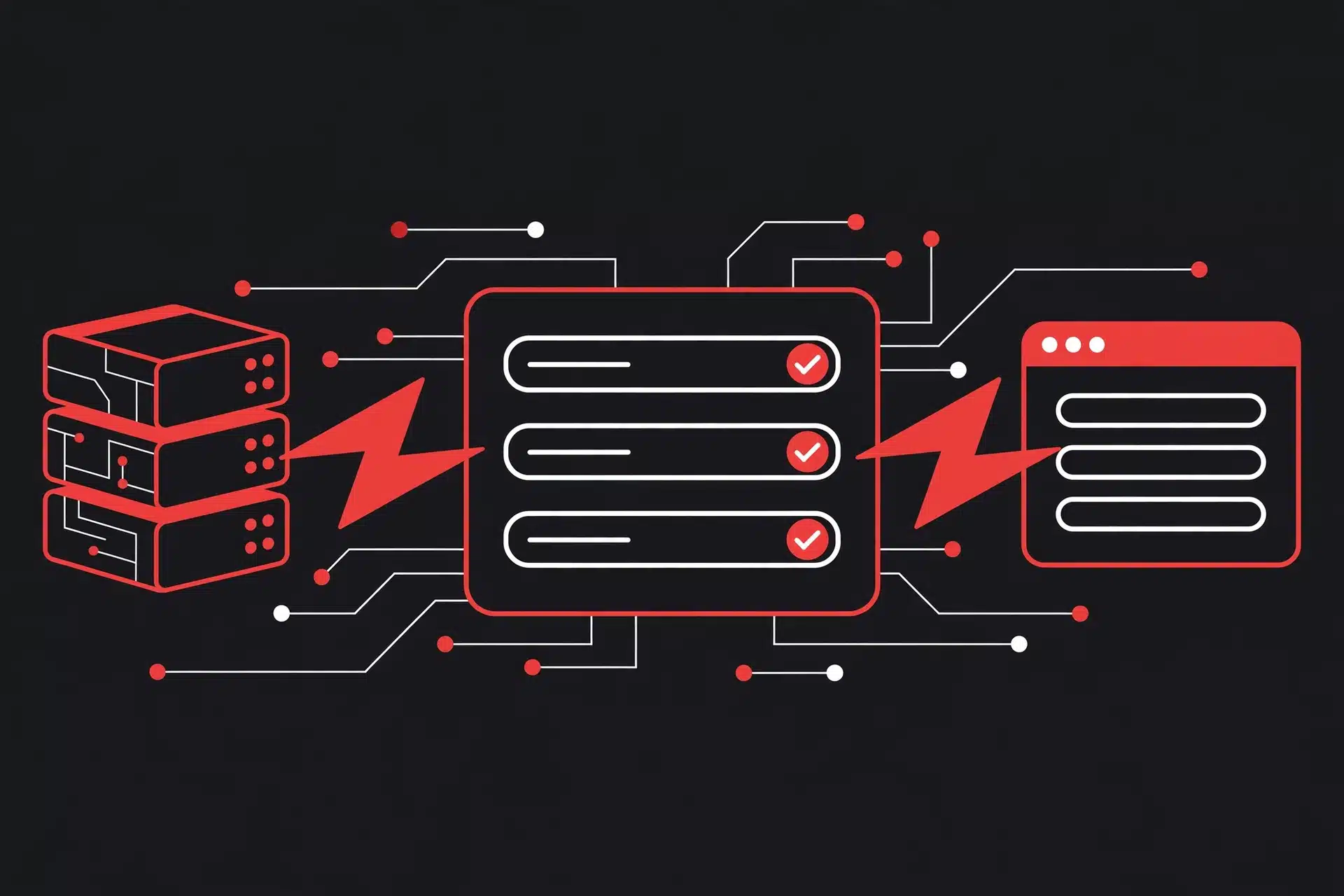
Forget everything you know about catching 422 responses in a catch block. Inertia never receives 422 responses. Instead, it behaves like a classic full-page form submission — without the full-page reload.
The flow goes like this:
- You submit the form through Inertia (the
<Form>component, theuseFormhelper, or a manualroutercall). - Laravel runs your validation. If it fails, Laravel throws a
ValidationExceptionand redirects back to the form page, flashing the errors into the session — exactly like a traditional app. - The Laravel adapter automatically shares those errors with Inertia as page props, so they land in
page.props.errorsand reactively appear in your component. - Inertia checks
page.props.errorsto decide which callback fires: errors present means theonError()callback runs instead ofonSuccess().
The practical upshot: you never catch validation errors client-side. You display them. Once you internalise that, everything else falls into place.
The useForm Helper: Your Default Tool
Inertia gives you two ways to build forms: the declarative <Form> component and the programmatic useForm helper. Reach for useForm when you want explicit control over submission behaviour — it is the workhorse you will use most often.
Here is a complete, working form for creating a user:
<script setup>
import { useForm } from '@inertiajs/vue3'

const form = useForm({
  name: '',
  email: '',
  avatar: null,
})

function submit() {
  form.post('/users', {
    preserveScroll: true,
    onSuccess: () => form.reset(),
  })
}
</script>

<template>
  <form @submit.prevent="submit">
    <div>
      <label for="name">Name</label>
      <input id="name" v-model="form.name" type="text" />
      <p v-if="form.errors.name" class="error">{{ form.errors.name }}</p>
    </div>

    <div>
      <label for="email">Email</label>
      <input id="email" v-model="form.email" type="email" />
      <p v-if="form.errors.email" class="error">{{ form.errors.email }}</p>
    </div>

    <button type="submit" :disabled="form.processing">
      {{ form.processing ? 'Saving…' : 'Create user' }}
    </button>
  </form>
</template>
That single useForm() call gives you a reactive form object with everything tracked for free:
form.name,form.email— the field values, bound directly to your inputs.form.errors— server-side validation errors, keyed by field.form.processing—truewhile the request is in flight. Bind it to your submit button and double submissions disappear.form.progress— upload progress (0–100) when the form includes files.form.isDirty—trueif the user changed anything since the initial values.form.wasSuccessful/form.recentlySuccessful— success flags;recentlySuccessfulstaystruefor two seconds after a successful submission (customisable viaform.recentlySuccessfulDuration).form.hasErrors— a quick boolean to check whether any errors exist.
To submit, you get get, post, put, patch, and delete methods. Each accepts the usual visit options — preserveScroll, preserveState, and the onBefore / onSuccess / onError / onFinish callbacks — so you can hook into the submission lifecycle exactly like a manual visit.
Wiring Up Laravel Validation
On the Laravel side, nothing special is required — and that is the point. Your existing validation works as-is. A FormRequest is the cleanest approach:
<?php

namespace App\Http\Requests;

use Illuminate\Foundation\Http\FormRequest;

class StoreUserRequest extends FormRequest
{
    public function authorize(): bool
    {
        return true;
    }

    public function rules(): array
    {
        return [
            'name'   => ['required', 'string', 'max:255'],
            'email'  => ['required', 'email', 'unique:users,email'],
            'avatar' => ['nullable', 'image', 'max:2048'],
        ];
    }
}
<?php
namespace App\Http\Controllers;
use App\Http\Requests\StoreUserRequest;
use App\Models\User;
class UserController extends Controller
{
public function store(StoreUserRequest $request)
{
User::create($request->validated());
return redirect()->route('users.index')
->with('success', 'User created successfully.');
}
}When validation fails, Laravel throws a ValidationException, redirects back, and Inertia populates form.errors automatically. Your controller always ends in a redirect — you never inspect the response client-side like an XHR call.
Two details worth knowing:
- Only the first error per field is returned by default. If you want every message (useful when a field fails several rules at once), set
$withAllErrors = truein yourHandleInertiaRequestsmiddleware. Each field then arrives as an array of strings instead of a single string. - You never repopulate old input. When validation fails, Inertia automatically preserves component state for
post,put,patch, anddeleterequests, so every field keeps exactly what the user typed. Your only job is displaying the errors.
Displaying Errors: Three Patterns
You have three ways to work with the errors object, depending on how much control you want.
1. Per-field messages (the default)
Render form.errors.fieldName next to each input, as in the example above. Simple, and what most forms need.
2. Clearing and setting errors manually
form.clearErrors() wipes errors — pair it with form.reset() on cancel buttons so stale messages do not linger. If you do your own client-side checks (or a Zod schema), push your own messages with form.setErrors(); note that unlike a real submission, manually-set errors do not change the page props. To reset values and clear errors in one call, use form.resetAndClearErrors().
3. Reading errors from page props
Errors are also available as page.props.errors (or $page.props.errors in Options API). This matters when you submit with router.post() manually instead of the form helper — there is no form.errors in that case, so you read them from props yourself.
File Uploads and the _method Gotcha
Uploading files in Inertia is almost suspiciously easy: put a File in your form data and Inertia automatically converts the request to FormData. Track the upload with form.progress:
<input type="file" @input="form.avatar = $event.target.files[0]" />
<progress v-if="form.progress" :value="form.progress.percentage" max="100" />
Now the gotcha that bites everyone exactly once: you cannot upload files with PUT, PATCH, or DELETE in Laravel. PHP does not parse multipart/form-data bodies for those methods, so $request->file('avatar') comes back null and you spend an hour questioning your sanity.
The fix is form method spoofing — send the request as POST and include a _method field. Laravel honours it and routes the request as the intended method:
const form = useForm({
  _method: 'put',
  name: user.name,
  avatar: null,
})

function update() {
  // POST under the hood, treated as PUT by Laravel
  form.post(`/users/${user.id}`)
}
Remember to register the corresponding route as Route::put() — Laravel’s router sees the spoofed method, so the route definition stays RESTful.
Error Bags: Two Forms, One Page
Put two forms on one page — say, “update profile” and “change password” — and a shared field name will leak errors into both forms, because both read page.props.errors.
Error bags scope errors to a named bag. On the server, validate into a named bag:
$request->validateWithBag('updateProfile', [
    'name'  => ['required', 'string', 'max:255'],
    'email' => ['required', 'email'],
]);
The errors then arrive under page.props.errors.updateProfile. With the form helper, you can name the bag on submission instead:
form.post('/profile', { errorBag: 'updateProfile' })Errors are automatically scoped to the form object making the request, so each form only ever shows its own mistakes.
Small UX Wins: transform, isDirty, and Success States
A few helper methods turn a functional form into a polished one:
form.transform()modifies the data right before submission — inject an extra field or reshape a value without touching your inputs.form.defaults()updates the baseline values (after loading fresh data, say), so subsequentreset()calls restore to the new defaults andisDirtytracks changes from there.form.recentlySuccessfuldrives a “Saved” flash message that dismisses itself after two seconds.form.isDirtygates your submit button (:disabled="form.processing || !form.isDirty") and warns on unsaved navigation via arouter.on('before')listener.form.dontRemember('password')excludes sensitive fields from the form data Inertia stores in history state.form.cancel()aborts an in-flight submission — handy for large uploads behind a cancel button.
And one checkbox footnote from the docs: give checkboxes an explicit value attribute such as value="1". Without one, a checked box submits as the string "on", which some Laravel validation rules do not recognise as a proper boolean.
Where Precognition Fits
Everything above validates after submission. If you want validate-as-you-type without duplicating your rules in JavaScript, Inertia supports Laravel Precognition: enable it with withPrecognition() on the form helper (or use the built-in support in the <Form> component), then call validate('email') on blur or input. The invalid() and validating helpers drive your UI state, requests are debounced (1.5 seconds by default), and files are excluded from validation requests unless you opt in with validateFiles().
Precognition needs its server-side package configured in Laravel. It is a genuine upgrade for long forms, but for most CRUD forms, solid server-side validation with good error display is all you need.
The 60-Second Checklist
- Use
useFormfor programmatic control,<Form>for simple declarative forms. - Keep Laravel validation exactly as you would in a Blade app —
FormRequestpreferred. - Display
form.errors.field; Inertia never sends you a422to catch. - Uploading files on update routes?
POST+_method: 'put'. Always. - Two forms on one page → error bags (
validateWithBag/errorBagoption). preserveScroll: trueon submissions that stay on the same page.form.resetAndClearErrors()on cancel;dontRemember()on passwords.- Want every error message per field? Set
$withAllErrors = truein the Inertia middleware.
Master this small surface — one helper, one validation flow, three gotchas — and Inertia.js forms stop being a source of mystery bugs and become what they were meant to be: the fastest way to ship forms in a Laravel + Vue 3 app.
Further Reading & References
- Inertia.js — Forms — official documentation for the
<Form>component and theuseFormhelper (coversreset,transform,recentlySuccessful, Precognition, and more). - Inertia.js — Validation — how server-side validation errors flow to the client, error bags, and
$withAllErrors. - Inertia.js docs — File Uploads — the multipart limitations with
PUT/PATCHand the_methodspoofing workaround. - Inertia.js docs — Manual Visits — router methods and the same
_methodnote for manual submissions. - Laravel + Inertia + Vue 3: Forms, Validation & File Uploads Done Right — a practical walkthrough on DEV covering
useFormend to end. - Advanced Form Handling with Laravel and Inertia.js — deeper patterns: FormRequests, error display, and submit options on DEV.
- inertia-laravel issue #553 — community discussion on validating multi-step forms, with a
transform()-based approach that works. - Client Side Validation with Zod and Inertia.js Form Component — pairing Zod schemas with Inertia’s form events for client-side checks.