Welcome to HowToShipIt — practical how-to guides for developers: code, AI tools, and servers, explained step by step.

How to Fix the WordPress 404 Error: 7 Causes and Fixes (2026)
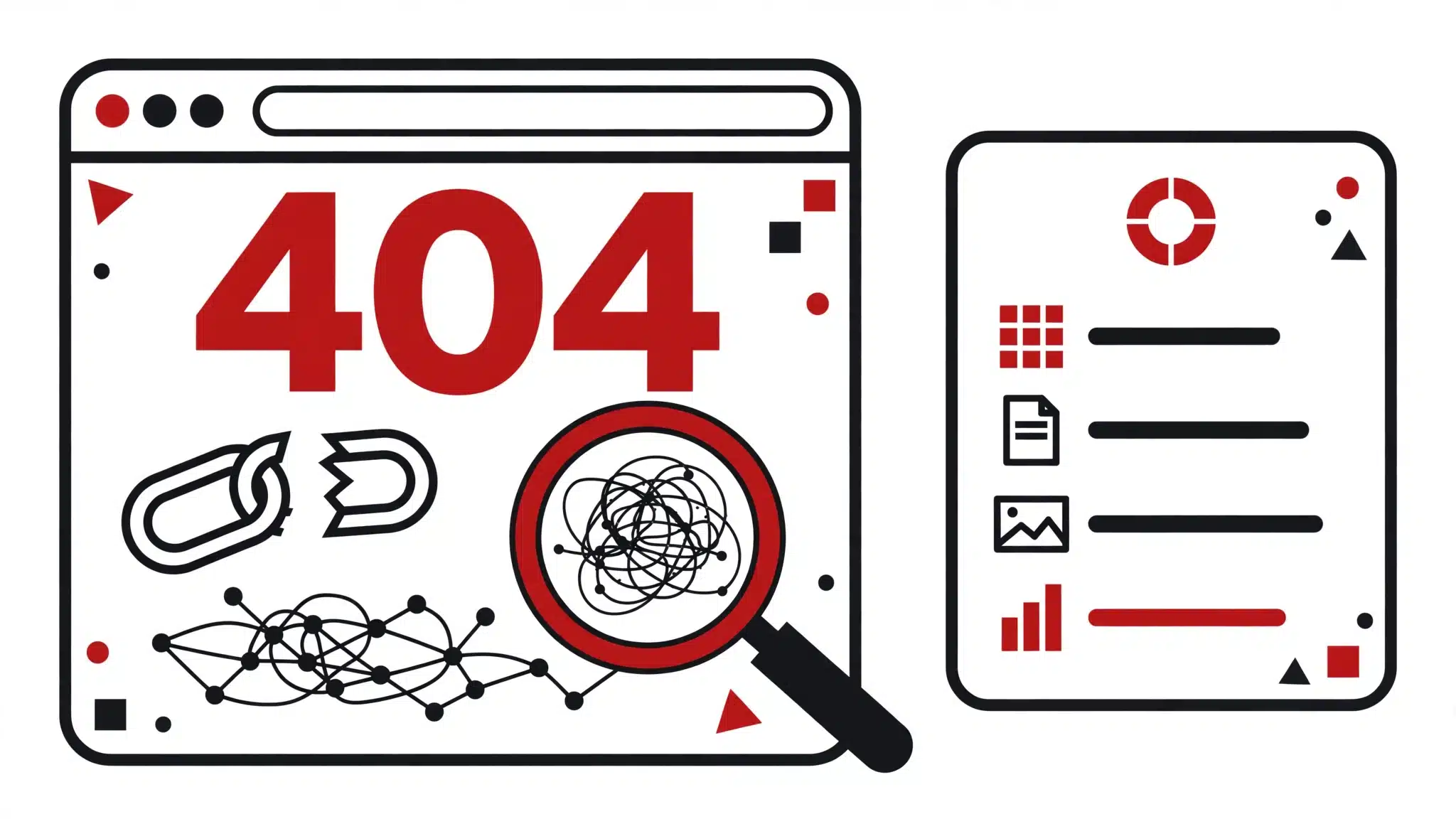
How to fix the WordPress 404 error — permalinks, .htaccess and nginx fixes

A WordPress 404 error on a post you know exists is one of the most confusing errors in WordPress. The content is right there in your dashboard, the link worked yesterday, and yet visitors get a “Page not found” screen. The good news: in most cases the content is fine and the fix takes under … Read more
How to Create a WordPress Staging Site: 4 Methods That Actually Work (2026)

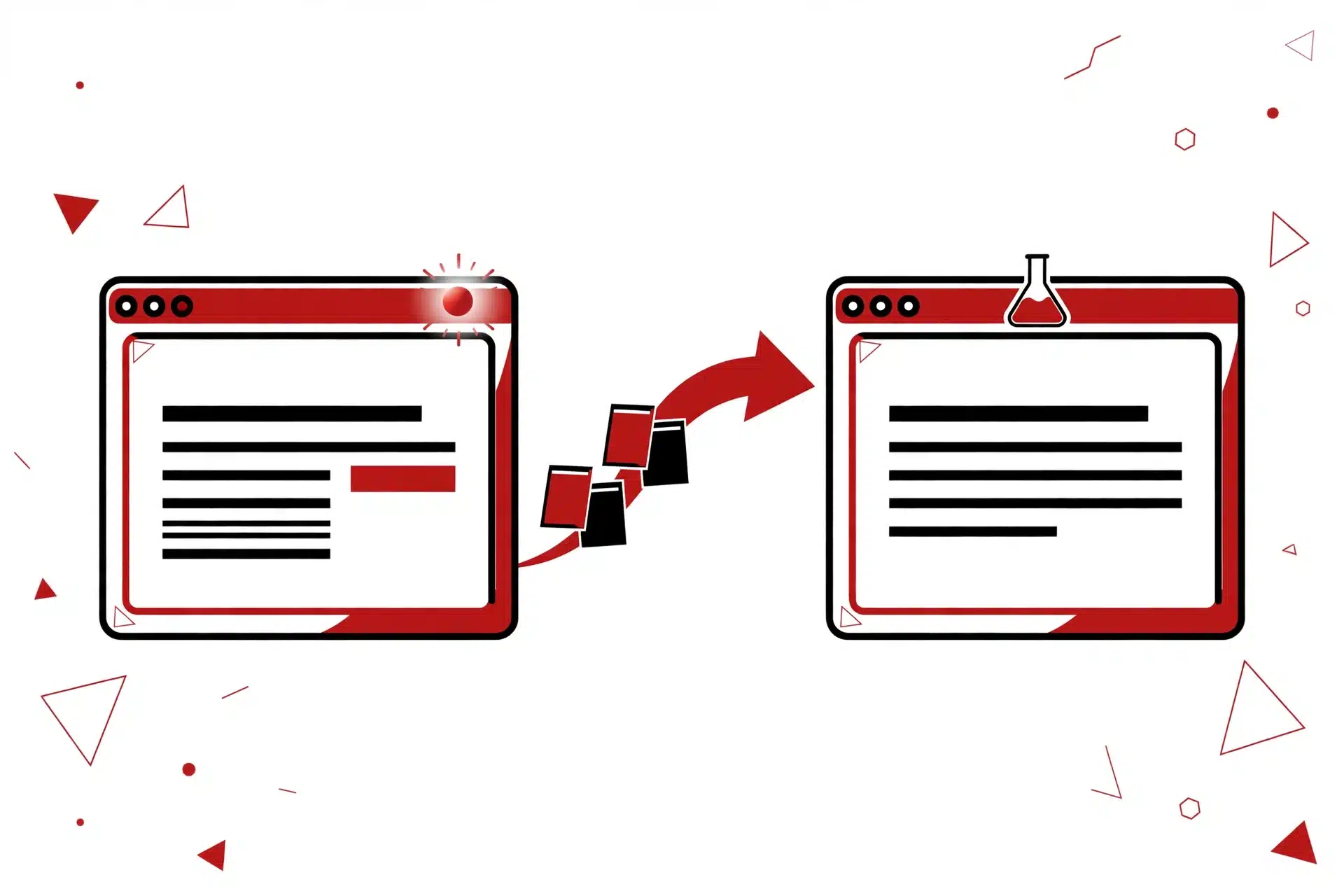
How to create a WordPress staging site — four methods to test updates safely

You have felt the fear: you click Update on a plugin, the screen goes white, and your live site is down in front of real visitors. A WordPress staging site exists to make that moment impossible. It is a private, working copy of your live site where you test updates, new plugins, theme edits, and … Read more

How to Fix WordPress Mixed Content Warnings: Get Your Padlock Back (2026)

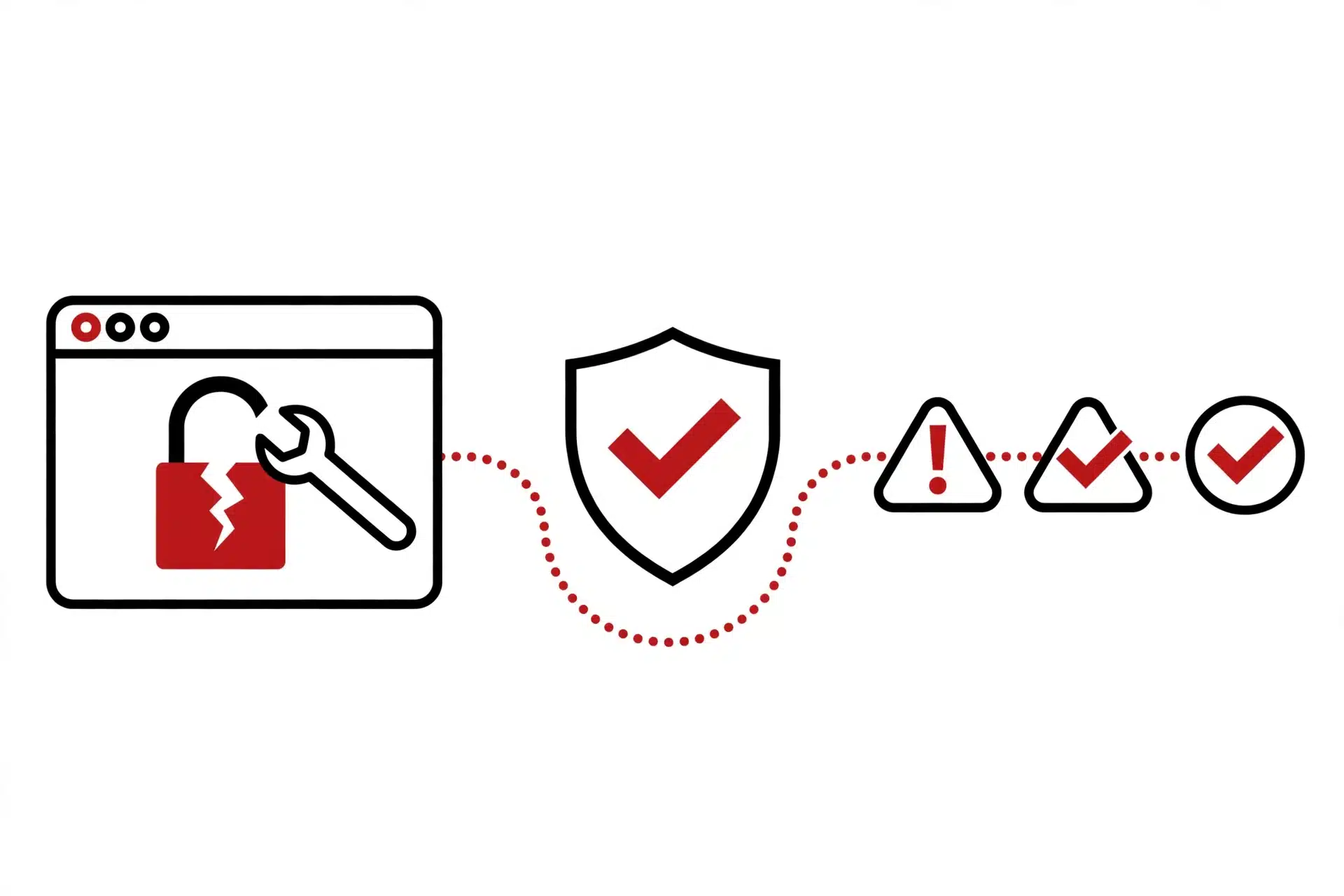
WordPress mixed content warnings fix — get your padlock back

You installed the certificate, flipped the site to HTTPS, and the browser still refuses to show the padlock. Or worse — the padlock shows on the home page, but your checkout page loads unstyled and the slider on the front page does nothing. The culprit is almost always WordPress mixed content: your page loads over … Read more

WordPress Multisite Setup: Run Many Sites from One Install (2026)

WordPress multisite setup guide — one WordPress installation running many sites

If you run three WordPress sites and you are tired of updating the same plugin in three dashboards, logging in three times, and keeping three sets of themes in sync, WordPress multisite setup is the feature you have been ignoring. Multisite turns one WordPress installation into a network of sites: one codebase, one set of … Read more

WP-CLI: The Complete Guide to Managing WordPress from the Terminal (2026)

WP-CLI complete guide to managing WordPress from the terminal

You can run an entire WordPress site without ever opening wp-admin. WP-CLI is the official command-line interface for WordPress, and it turns every dashboard click — installing a plugin, updating core, creating a user, moving a domain — into a command you can type, script, and repeat. If you manage one site, it saves you … Read more

How to Set Up a WordPress Staging Site on Your VPS (2026)

You should never test a plugin update, a theme change, or a PHP upgrade on the site your visitors are using right now. That is exactly what a WordPress staging site is for: a private, working copy of your live site where you can break things safely, find out what actually breaks, and only then … Read more

How to Remove Malware From Your WordPress Site Yourself (2026)

How to remove malware from a WordPress site: DIY cleanup guide

How You Know Your WordPress Site Has Malware WordPress malware removal starts with recognising the infection. Malware on WordPress almost never announces itself with a banner. You find out because Google slaps “This site may be hacked” under your title in search results, because Chrome throws a full-page red “Deceptive site ahead” warning at visitors, … Read more

WordPress Debug.log: How to Enable It and Read What It Tells You (2026)

WordPress debug.log file illustration showing error log lines being inspected

What the WordPress debug.log actually is Your WordPress debug.log is a plain-text file that lives at wp-content/debug.log — once you switch it on. It is not a dashboard, not a plugin, and not a report: it is the raw stream of PHP errors your site produces, written line by line as they happen. Every fatal … Read more

WordPress 7.1.3 Security Update: What Each Fix Means and How to Update Safely (2026)

WordPress 7.1.3 security update guide — shield guarding a WordPress admin screen

WordPress 7.1.3 was released on October 6, 2026, and it is a security release. Seven security fixes and four bug fixes, and the official line is the one you should take at face value: “update your sites immediately.” This is the third security release on the 7.1 branch in under three weeks — 7.1.1 on … Read more

How to Move WordPress from HTTP to HTTPS Without Breaking Anything (2026)

WordPress site moving from HTTP to HTTPS with a secure padlock shield illustration

Every WordPress site worth running serves over HTTPS now. If you still have visitors landing on plain http:// pages, browsers flag you as “Not secure”, Google prefers your HTTPS competitors, and any login form on your site is transmitting credentials in the clear. Learning how to move WordPress to HTTPS properly is one of the … Read more