Welcome to HowToShipIt — practical how-to guides for developers: code, AI tools, and servers, explained step by step.

Cursor Rules: How to Write and Share Configs That Actually Work

Cursor rules: shareable .mdc configs that actually work

You have probably had this moment: you spend twenty minutes explaining your stack, your conventions, and your non-negotiables to Cursor’s Agent, it generates something great, and then the next day — or the next tab — you start all over again. Cursor rules are how you stop repeating yourself. They are persistent, project-level instructions that … Read more

How to Deploy a Laravel App with Docker: Step-by-Step Guide (2026)

Step-by-step guide to deploying a Laravel app with Docker

Most tutorials that teach you how to deploy Laravel with Docker are frozen in 2023: they still use the old docker-compose v1 syntax, pin PHP 8.2, and show a dev-only setup with bind-mounted code that would never survive production. In this guide you will build a production-ready Docker setup for a real Laravel app from … Read more

How to Build REST APIs with FastAPI: A Practical Guide (2026)

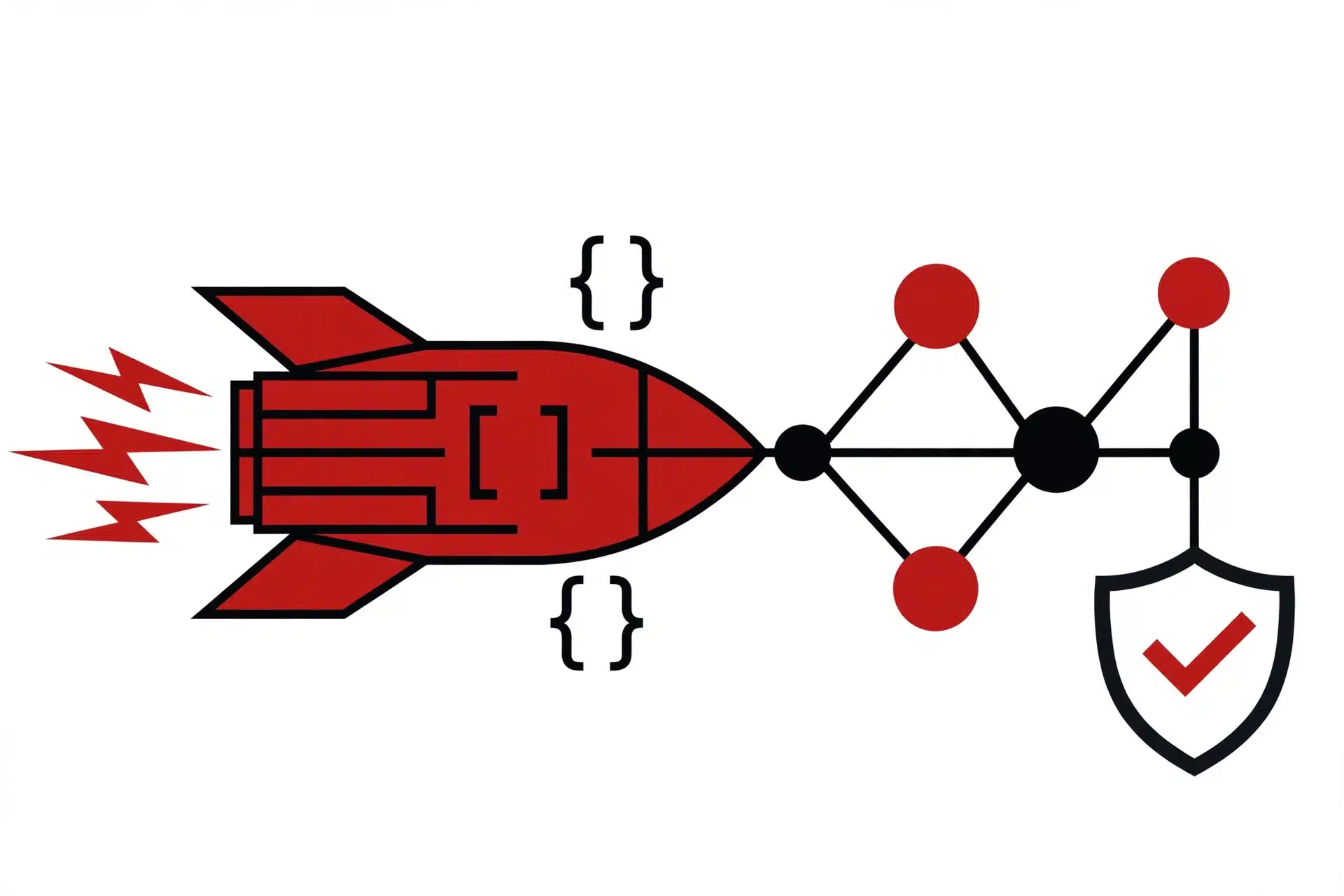
FastAPI REST API guide: rocket illustration with API endpoints and validation shield

If you have ever built an API with Flask or Django REST Framework and found yourself writing the same validation, serialization, and documentation code by hand, FastAPI will feel like a cheat code. FastAPI is a modern, high-performance Python framework for building REST APIs, built on Starlette for the web layer and Pydantic for data … Read more

Nuxt 3 SEO: The Complete Guide to Meta Tags, Sitemaps, and OG Images (2026)

Nuxt 3 SEO complete guide: meta tags, sitemaps, and Open Graph images

Nuxt 3 SEO trips up even experienced Vue developers. Your pages render server-side, so you assume Google sees everything — then your links show up on X with no preview image, your blog posts are missing from the sitemap, and every page shares the same generic title. This guide fixes all of that with the … Read more

How to Fix the WordPress White Screen of Death: Step-by-Step Guide (2026)

How to fix the WordPress white screen of death step by step

You open your WordPress site one morning and instead of your homepage, there is nothing. A completely blank, white page. No error message, no admin bar, no clues at all. That is the WordPress white screen of death (WSOD), and while it looks terrifying, it is one of the most fixable problems in WordPress — … Read more

AI Developer News: OpenAI’s Dots, Claude Sonnet 4.5’s Retirement Date, and This Week’s Launches

Weekly AI developer news roundup: OpenAI Dots agents, Claude Sonnet 4.5 deprecation, xAI Team Bots — October 2026

Published 2 October 2026 — covering AI developer news from 26 September to 2 October 2026. Claims below are attributed to the companies and outlets cited so you can verify them yourself. If last week was about models, this week was about agents — and about who takes responsibility for what they do. OpenAI shipped … Read more

How to Run Ollama: Install, Models, and API in 30 Minutes

How to run Ollama locally: install Ollama and run LLMs on your machine

If you want to know how to run Ollama on your own machine, this guide gets you there in about 30 minutes: install, your first model, chat in the terminal, custom models with Modelfiles, and calling the API from Python. No API keys, no usage bills, no sending your code to someone else’s servers. Ollama … Read more

React Server Components Explained: A Plain-English Guide for 2026

React Server Components explained with a server-to-browser rendering diagram

If you have built anything with React in the last couple of years, you have probably heard the phrase “React Server Components” — and felt a little unsure what it actually means. You are not alone. React Server Components, explained in plain English: they are components that render on the server instead of in the … Read more

How to Set Up an Nginx Reverse Proxy for Node.js Apps

Nginx reverse proxy for Node.js apps diagram

An Nginx reverse proxy for Node.js is the standard way to put a production Node app on the internet. Your Node app listens on a private port like 3000, and Nginx faces the world on ports 80 and 443, forwarding traffic inward. This setup gives you free SSL termination, fast static file serving, working WebSockets, … Read more