Welcome to HowToShipIt — practical how-to guides for developers: code, AI tools, and servers, explained step by step.

Traefik Reverse Proxy: Automatic HTTPS for Every Docker Container (2026)

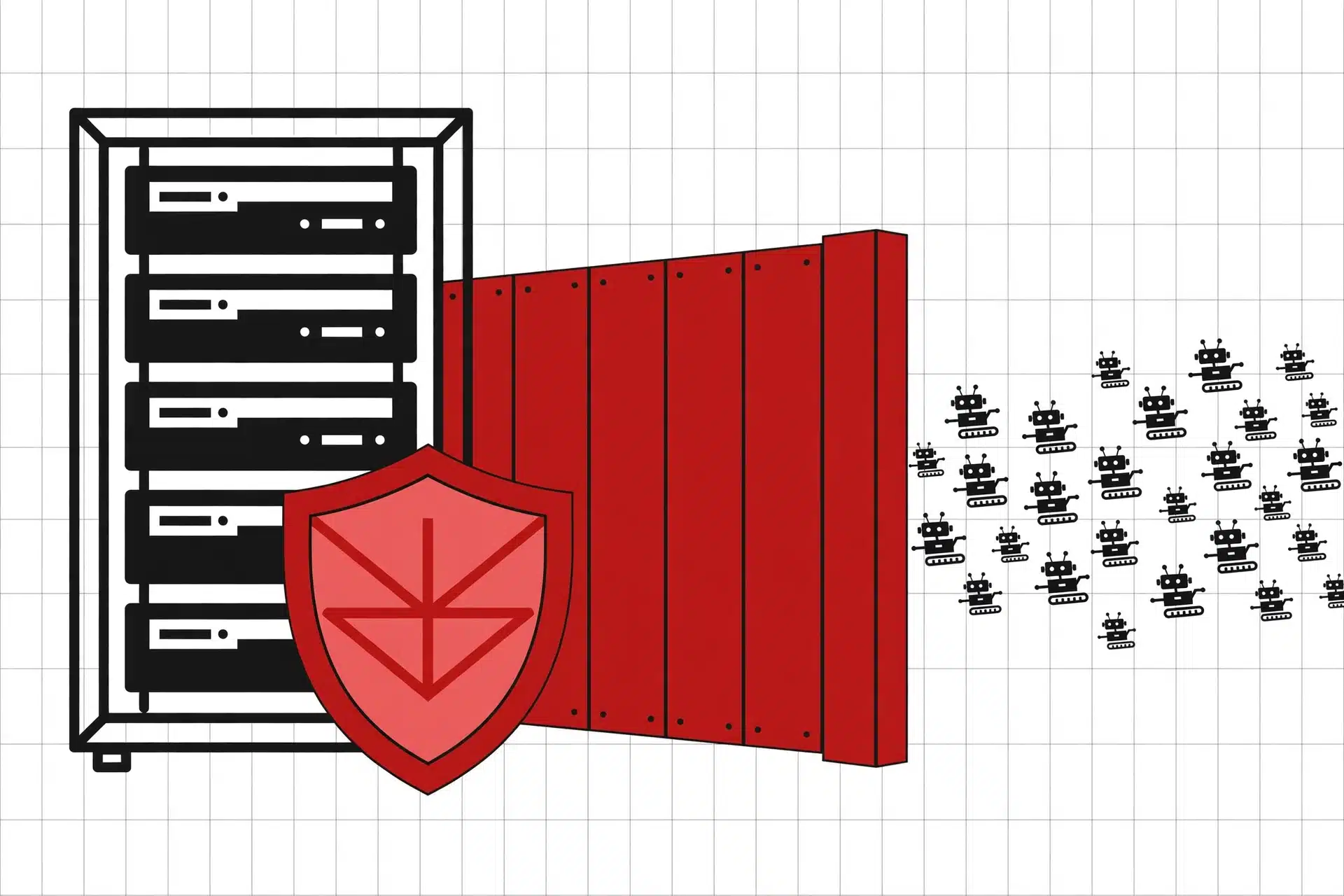
Traefik reverse proxy setup guide with Docker and automatic Let's Encrypt HTTPS

You have one VPS, five apps, and one port 443. The first app gets the port, the second one gets a README full of excuses, and by the third you are editing Nginx server blocks by hand and running certbot in a cron job you half remember writing. A Traefik reverse proxy ends that routine: … Read more

Cloudflare Tunnel: Expose Your Local App Without Opening a Port (2026)

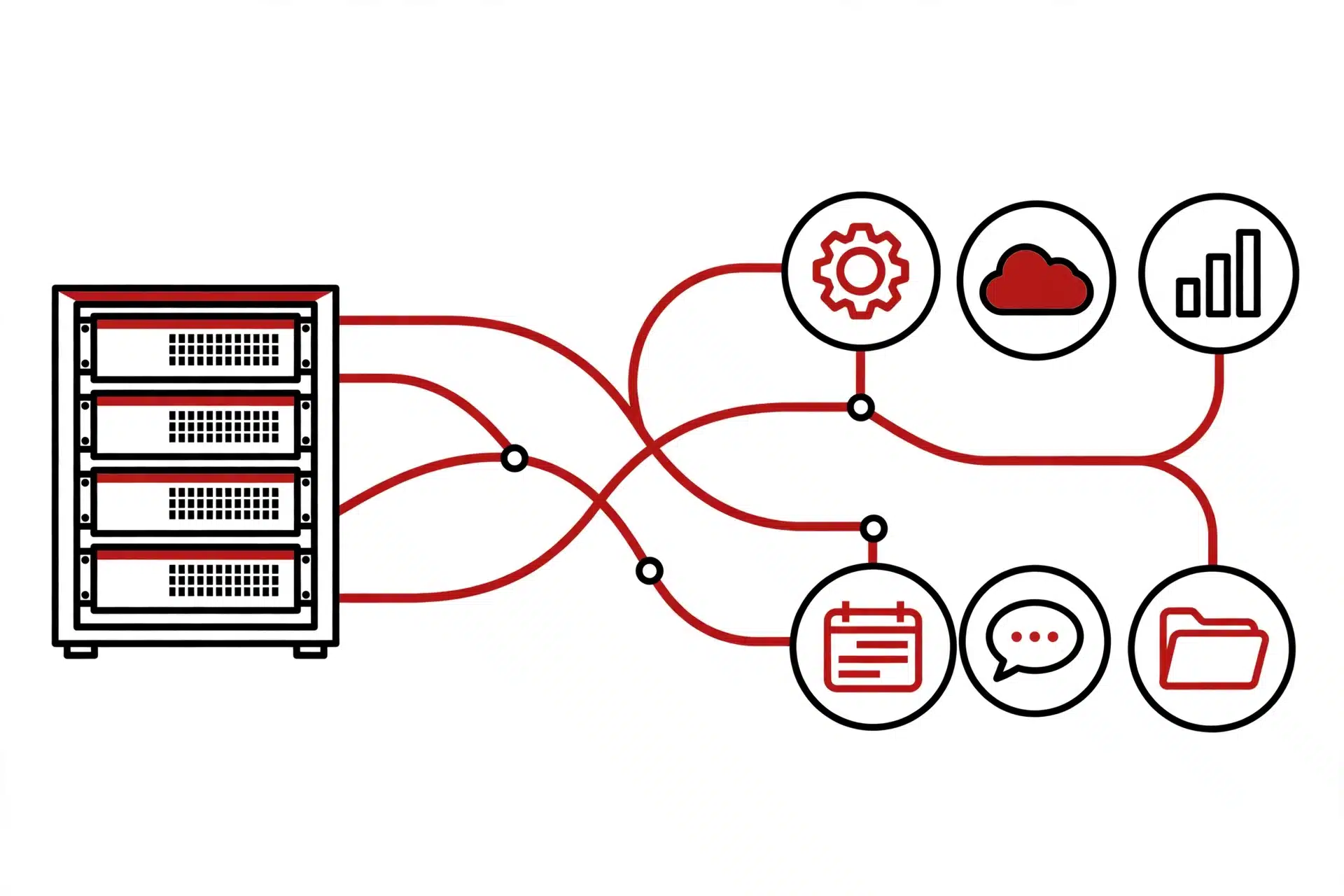
Cloudflare Tunnel setup guide — expose a local app without opening a port

Cloudflare Tunnel: Expose Your Local App Without Opening a Port (2026) You have an app running on a machine you own — a Laravel app on a VPS, a photo gallery on a Raspberry Pi, a dev server on your laptop. You want it reachable at app.yourdomain.com, over HTTPS, from anywhere. The traditional way means … Read more

How to Self-Host n8n on a VPS: Docker, Postgres, and HTTPS (2026)

Self host n8n on a VPS with Docker Compose, Postgres, and Caddy

Why self host n8n instead of paying for the cloud? When you self host n8n, you run the same workflow automation tool on your own server instead of renting it from n8n. The trade is simple: n8n Cloud Starter costs €20 a month (billed annually) and caps you at 2,500 workflow executions a month. The … Read more

VPS Disk Full? How to Find What’s Eating Your Space and Free It Safely (2026)

vps disk full — find what's eating your VPS disk space and free it safely

Your deploys are failing, MySQL has stopped accepting writes, and the error staring back at you is No space left on device. A vps disk full incident feels like a catastrophe, but it is usually a ten-minute fix once you know where to look. This guide walks you through the exact order to diagnose it, … Read more

Docker Compose Watch: Stop Rebuilding Containers Every Time You Save (2026)

Docker Compose Watch syncing code into running containers

You change one line of code, save, and then wait. You rebuild the image, restart the container, and by the time the app is back up you have forgotten what you were testing. If that loop sounds familiar, Docker Compose Watch is the feature you have been missing. It watches the files on your machine … Read more

Fail2ban for WordPress: Stop Brute-Force Logins at the Server (2026)

Fail2ban WordPress setup blocking brute-force login attempts at the server firewall

If you run a self-hosted WordPress site, a fail2ban WordPress setup is the cheapest security upgrade you will ever install. Every public WordPress site gets a steady stream of password-guessing requests against wp-login.php and xmlrpc.php — and every one of those requests is an uncached PHP request that occupies a PHP-FPM worker, fills your logs, … Read more

How to Set Up WireGuard on Your VPS: Your Own Private VPN in 15 Minutes (2026)

WireGuard VPS setup — server connected to laptop and phone through an encrypted VPN tunnel

A commercial VPN costs $5–12 a month, caps how many devices you can connect, and asks you to trust a company you have never met with all of your traffic. If you already rent a VPS, you can skip all of that. This WireGuard VPS setup turns a cheap server into your own private VPN … Read more

systemd Timers: Replace Cron Jobs the Right Way (2026)

systemd timers replacing cron jobs on a Linux VPS

Cron has scheduled jobs on Linux for decades, and for a one-line job it is still hard to beat. But the moment a job matters — a nightly backup, a cleanup script, a report your team actually reads — cron’s silence becomes a problem. You find out a job failed when something downstream breaks, not … Read more

Coolify Setup: Self-Host Your Apps on a VPS (2026 Guide)

A Coolify setup takes one command, one dashboard login, and about ten minutes — and at the end of it you have your own private Heroku running on a VPS you already pay for. No per-app pricing, no usage meter ticking up while you sleep, no vendor deciding your hobby project is too expensive to … Read more

How to Set Up UFW on Ubuntu: A Lockout-Proof Firewall Guide (2026)

UFW stands for Uncomplicated Firewall, and it lives up to the name — until the moment you lock yourself out of your own server. This guide shows you how to set up UFW on Ubuntu without that happening: the exact order of commands, the rules a real web server actually needs, and the five gotchas … Read more