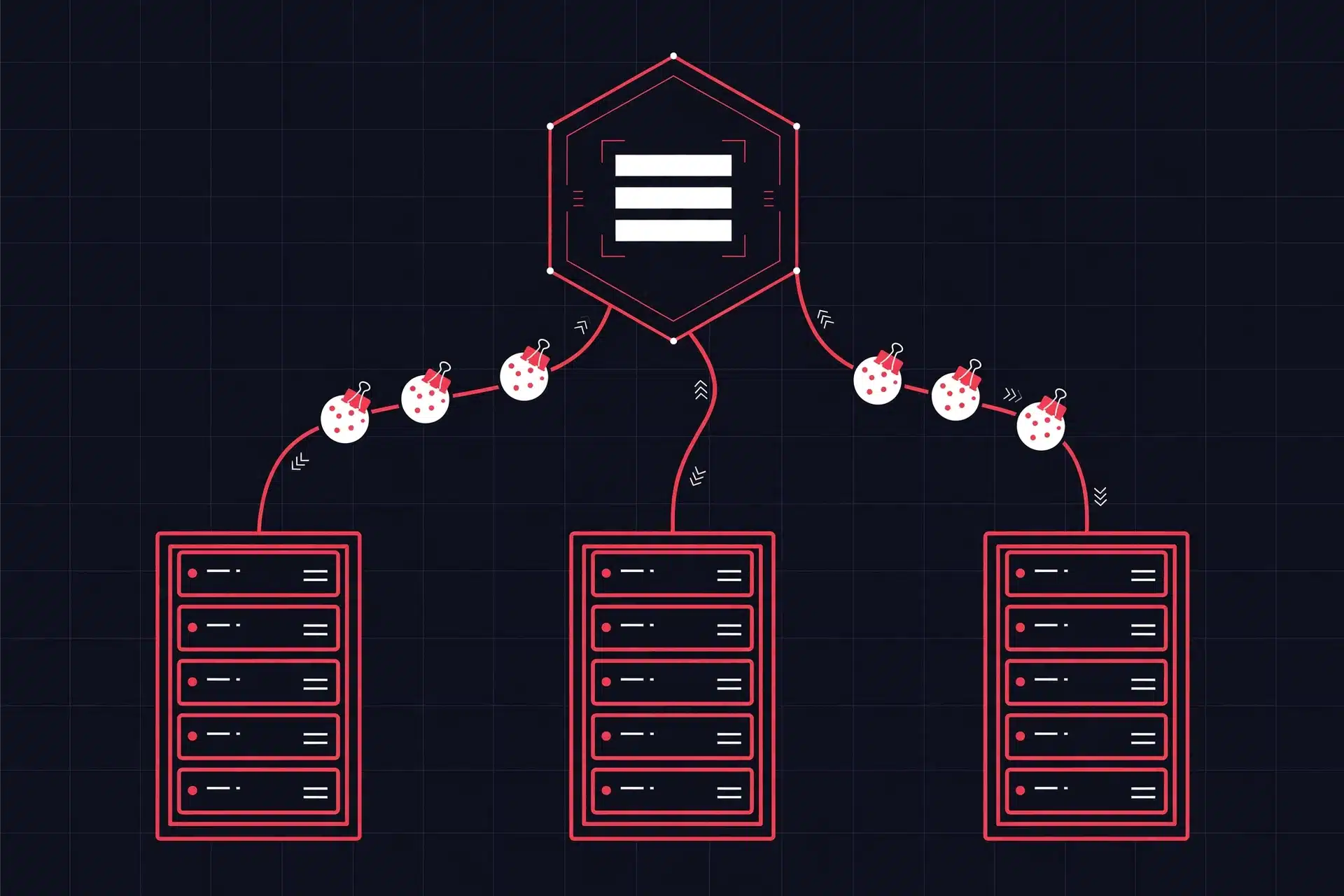
Session affinity used to cost money. Not any more.
For years, the nginx sticky directive sat behind a paywall. If you wanted cookie-based session affinity — requests from one client consistently landing on the same backend server — you either paid for NGINX Plus or compiled a third-party module from source. Then, on 10 March 2026, nginx 1.29.6 landed with this line in its changelog: “Feature: session affinity support; the ‘sticky’ directive in the ‘upstream’ block of the ‘http’ module; the ‘server’ directive supports the ‘route’ and ‘drain’ parameters.”
That means the sticky directive now ships in the free, open-source build. In this guide you will learn the three methods it offers (cookie, route, and learn), how to configure each one, how to test that it works, and where the free version still stops short of NGINX Plus.
The problem ip_hash never solved
Before 1.29.6, most people faked session affinity with ip_hash. It hashes the client’s IP address — the first three octets for IPv4 — and routes every request from that address to the same server. It works, but it has a flaw you cannot fix: it identifies network addresses, not clients.
Behind a corporate NAT gateway, a shared VPN exit, or a mobile carrier’s address pool, dozens of genuinely different users arrive with the same IP. ip_hash merges them all onto one backend. They share a fate they never signed up for: one overloaded server while the others sit idle, and sessions that behave unpredictably.
The nginx sticky directive solves this at the right layer. Instead of guessing identity from an IP address, it hands each client a cookie (or reads routing data from the request) and binds the session to a server. Five users behind one NAT get five cookies, five backends if the balancer sees fit, and each one stays put.
What nginx 1.29.6 actually changed
According to the official nginx documentation, prior to version 1.29.6 the sticky directive was “available only as part of our commercial subscription.” The same was true of the route and drain parameters on the server directive. As of 1.29.6, all of them are in the open-source build.
There is exactly one part of session affinity that is still commercial-only: the sync parameter of sticky learn, which replicates the learned-session table across a cluster of nginx instances. If you run a single load balancer, or several that do not need to agree on session placement, this never touches you.
One more thing worth knowing: none of this exists before 1.29.6 at all. Pointing an older binary at a config that uses sticky does not warn you — it fails to parse the whole block with unknown directive "sticky".
Check your nginx version first
Run this:
nginx -vYou need 1.29.6 or newer (mainline — the feature has not been backported to the older 1.28 stable line). If your distribution ships an older build, install the official nginx mainline packages before going any further. Everything in this guide assumes the directive exists.
Method 1: sticky cookie (the default choice)
With the cookie method, nginx generates its own cookie and stamps it on the response. No application cooperation is needed — your backends do not even know it is happening. This is the method you want unless you have a specific reason to do otherwise.
upstream backend {
    server app1.example.com:8080;
    server app2.example.com:8080;
    server app3.example.com:8080;

    sticky cookie srv_id expires=1h domain=.example.com path=/ httponly secure;
}

server {
    listen 80;
    server_name app.example.com;

    location / {
        proxy_pass http://backend;
    }
}
How it works: the first request from a new client goes through whatever balancing method you configured (round-robin by default). nginx then sets a cookie named srv_id in the response. Every subsequent request carrying that cookie is routed to the same server.
The parameters are worth knowing:
name(first positional argument) — the cookie name. Pick something recognisable but neutral, likesrv_id.expires=time— how long the browser keeps the cookie. Omit it and you get a session cookie that dies when the browser closes. The special valuemaxsets expiry to 31 Dec 2037.domain=,path=— scope the cookie the same way you would any other.httponlyandsecure— add theHttpOnlyandSecureflags. Use both; there is no good reason not to on HTTPS.samesite=strict|lax|none— adds theSameSiteattribute (available since 1.19.4).
By default the cookie value is a hexadecimal MD5 hash of the server’s IP and port — opaque by design, so it leaks nothing about your infrastructure. But read on, because the route server parameter changes that.
One reassuring detail from the docs: if the server a client is bound to goes down, nginx picks a new one “as if the client has not been bound yet.” Stickiness degrades to a fresh assignment rather than an error. And the balancer keeps accounting for bound requests, so a server holding many sessions gets fewer new unbound ones — the load still evens out over time.
Method 2: sticky route with the server route= parameter
Sometimes you want the affinity to be human-readable — for debugging, or because an existing part of your stack already speaks “routes.” Give each server a route name, then reference it from the cookie:
upstream backend {
    server app1.example.com:8080 route=a;
    server app2.example.com:8080 route=b;
    server app3.example.com:8080 route=c;

    sticky cookie srv_id expires=1h path=/ httponly secure;
}
Now the srv_id cookie value is a, b, or c instead of a hash. Hit any endpoint, inspect the Set-Cookie header, and you immediately know which backend served you.
The full sticky route method goes further: instead of nginx inventing the routing information, you tell nginx where to find it in the request — a cookie, part of the URI, anything expressible as variables. The first non-empty variable wins:
map $cookie_jsessionid $route_cookie {
    ~.+\.(?P<route>\w+)$ $route;
}

map $request_uri $route_uri {
    ~jsessionid=.+\.(?P<route>\w+)$ $route;
}

upstream backend {
    server app1.example.com:8080 route=a;
    server app2.example.com:8080 route=b;

    sticky route $route_cookie $route_uri;
}
This is the escape hatch for Java shops: Tomcat-style JSESSIONID cookies already carry a route suffix, and sticky route lets nginx honour it without touching the application.
Method 3: sticky learn — let the app’s own cookie drive
If your application already issues a session cookie — PHPSESSID, a JWT session id, a framework cookie — sticky learn watches upstream responses for it and remembers which server created which session. The cookie already exists; nginx just learns its meaning.
upstream backend {
    server app1.example.com:8080;
    server app2.example.com:8081;

    sticky learn
        create=$upstream_cookie_phpsessid
        lookup=$cookie_phpsessid
        zone=client_sessions:1m;
}
Here nginx looks for PHPSESSID in the Set-Cookie response header ($upstream_cookie_phpsessid), stores the session-to-server mapping in a 1 MB shared memory zone, and routes later requests by looking up the client’s cookie ($cookie_phpsessid).
A few operational details, straight from the docs:
- About 4000 sessions fit in 1 MB of zone on a 64-bit platform. Size the zone for your real session count —
zone=client_sessions:10mfor roughly 40,000 sessions. - Sessions idle longer than
timeout(default 10 minutes) are evicted. Match it roughly to your application’s session lifetime. - The
headerparameter creates the session as soon as response headers arrive, instead of waiting for the full body. - The
syncparameter — replicating the zone across nginx instances — is the one piece still locked behind a commercial subscription.
Sticky is a binding layer, not a balancing method
Here is the detail that surprises people: sticky composes with your balancing method instead of replacing it. ip_hash and least_conn are both load-balancing methods, and nginx refuses to run two of them together. sticky is a binding layer on top — new sessions are assigned by whichever method you chose, and once assigned, clients stay put.
upstream backend {
    least_conn;
    server app1.example.com:8080;
    server app2.example.com:8080;
    server app3.example.com:8080;

    sticky cookie srv_id expires=1h path=/ httponly secure;
}
This combination is genuinely useful: new sessions land on the least-loaded server, which matters a lot when your backends are uneven (different instance sizes, warm-up phases, one box doing background jobs). Combining sticky with ip_hash is technically possible but pointless — both try to pin clients, and the cookie version is strictly more accurate.
Draining a server before deploys
The drain parameter — also free since 1.29.6 — puts a server into draining mode: it keeps serving requests that are already bound to it, but receives no new sessions. This is exactly what you want during a rolling deploy.
upstream backend {
    server app1.example.com:8080;
    server app2.example.com:8080 drain;
    server app3.example.com:8080;

    sticky cookie srv_id expires=1h path=/ httponly secure;
}
The workflow: add drain to the server you are about to update, reload nginx (nginx -s reload — no dropped connections), wait for its bound sessions to finish naturally, deploy, then remove drain and reload again. Existing users never notice; new users never land on the box mid-update.
Test that stickiness actually works
Do not trust the config on faith — verify it with curl’s cookie jar:
# First request: saves the Set-Cookie header into a jar
curl -s -c /tmp/sticky.jar http://localhost/ -o /dev/null -D -

# Then send the cookie back ten times and watch which backend answers
for i in $(seq 1 10); do
  curl -s -b /tmp/sticky.jar http://localhost/headers
done
Point this at an endpoint that reveals the backend — a debug route returning the hostname, or simply $upstream_addr in your access log:
log_format upstream '$remote_addr - $upstream_addr - "$request"';
access_log /var/log/nginx/access.log upstream;
If all ten requests hit the same $upstream_addr, stickiness is working. If they scatter, check nginx -t output and confirm the sticky line sits inside the upstream block, not the server block — that misplacement is the most common mistake.
When you should not use sticky sessions
Stickiness is a crutch for stateful backends. Before you reach for it, ask whether the state really needs to live on one box:
- Sessions in Redis or Memcached remove the need for stickiness entirely. Any server can serve any request, deploys get simpler, and a dead backend loses nothing.
- JWTs and stateless tokens carry identity in the request itself — no server-side session to pin.
- WebSocket fan-out or long-polling sometimes genuinely needs affinity (frames for one session must reach one backend), and that is a fine use case — just be deliberate about it.
Sticky sessions also make capacity planning fuzzier: a traffic spike of long-lived sessions can pile onto one server while others idle, because bound requests do not rebalance. If your sessions last hours, size backends for the worst case, not the average.
Troubleshooting checklist
nginx -tsaysunknown directive "sticky"— your binary is older than 1.29.6. Upgrade; the directive does not exist at all before that version.- Cookie is set but requests still scatter — make sure
stickyis inside theupstream { }block, and that your application or a CDN is not strippingSet-Cookieheaders. unknown parameter "sync"— expected on the open-source build.syncis the one learn parameter still reserved for the commercial subscription. Drop it unless you truly run multiple load balancers that must agree on session placement.- Sessions vanish after ~10 minutes of idle time — that is the default
learnzonetimeout. Raise it to match your app’s session lifetime. - One backend is always busier — normal with long-lived sessions; consider pairing
stickywithleast_connso new sessions favour quieter servers.
Further Reading & References
- Module ngx_http_upstream_module — official nginx documentation — the authoritative reference for the
stickydirective, theroute/drainserver parameters, and the commercial-onlysyncnote. - nginx 1.29.6 moves cookie-based session affinity out of nginx Plus (dev.to) — hands-on verification of the new behaviour with Docker, including the
ip_hash-vs-stickytest and theleast_conncombination. - NGINX Community Forum — Announcements — tracks the 1.29.6/1.29.7 releases (“Open Sourced Session Persistence”) and later mainline versions.
- NGINX Sticky Sessions: Cookie-Based Load Balancing Guide (GetPageSpeed) — a second configuration walkthrough with HMAC-signed cookie variants.
- The Complete NGINX Cookbook (F5, PDF) — chapters on sticky cookie, sticky route, and connection draining from the pre-open-source era; still the best deep reference for the
routeandlearnmethods. - nginx.org news archive (10 Mar 2026) — the original “nginx-1.29.6 mainline version has been released, featuring sticky sessions support for upstreams” announcement.
- nginx-sticky-module (GitHub) — the legacy third-party sticky module; useful context for why the community waited so long for a built-in option.
Verified against the official nginx documentation and the nginx 1.29.6 changelog on 6 October 2026. Free-tier claims: not applicable — the sticky directive ships in the open-source build itself, no subscription needed.